


Nano Banana Pro — for reference-led image editing
Nano Banana Pro on this page edits uploaded reference images. Use it to explore scene, outfit, product or lettering changes with a clear description of the details to keep. Upload a reference image to use this model.
These examples are starting points, not promised outcomes. Bring your own subject and references, describe the change clearly and review the result before using it.
From idea to image
These examples are starting points, not promised outcomes. Bring your own subject and references, describe the change clearly and review the result before using it.
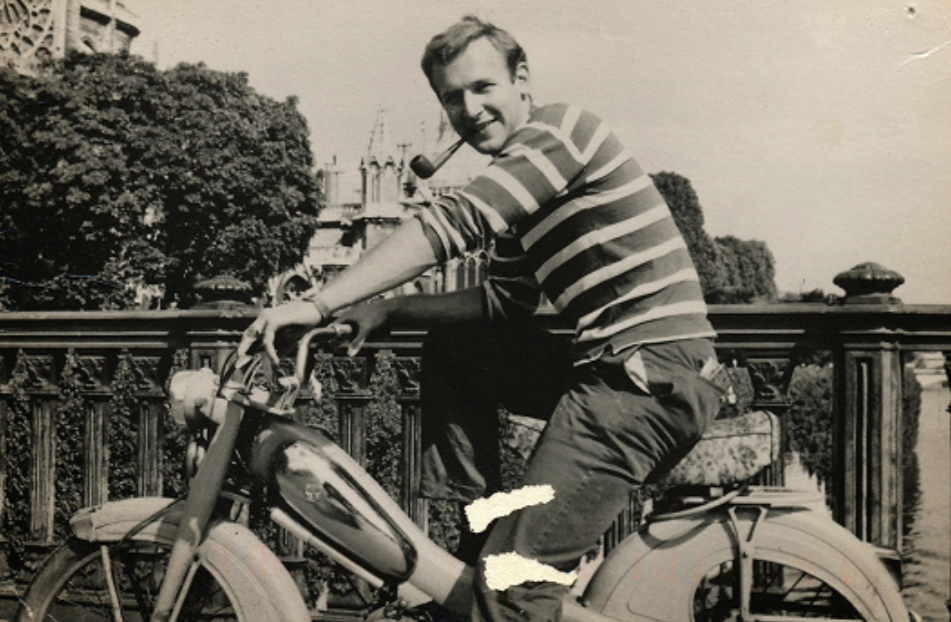 Input
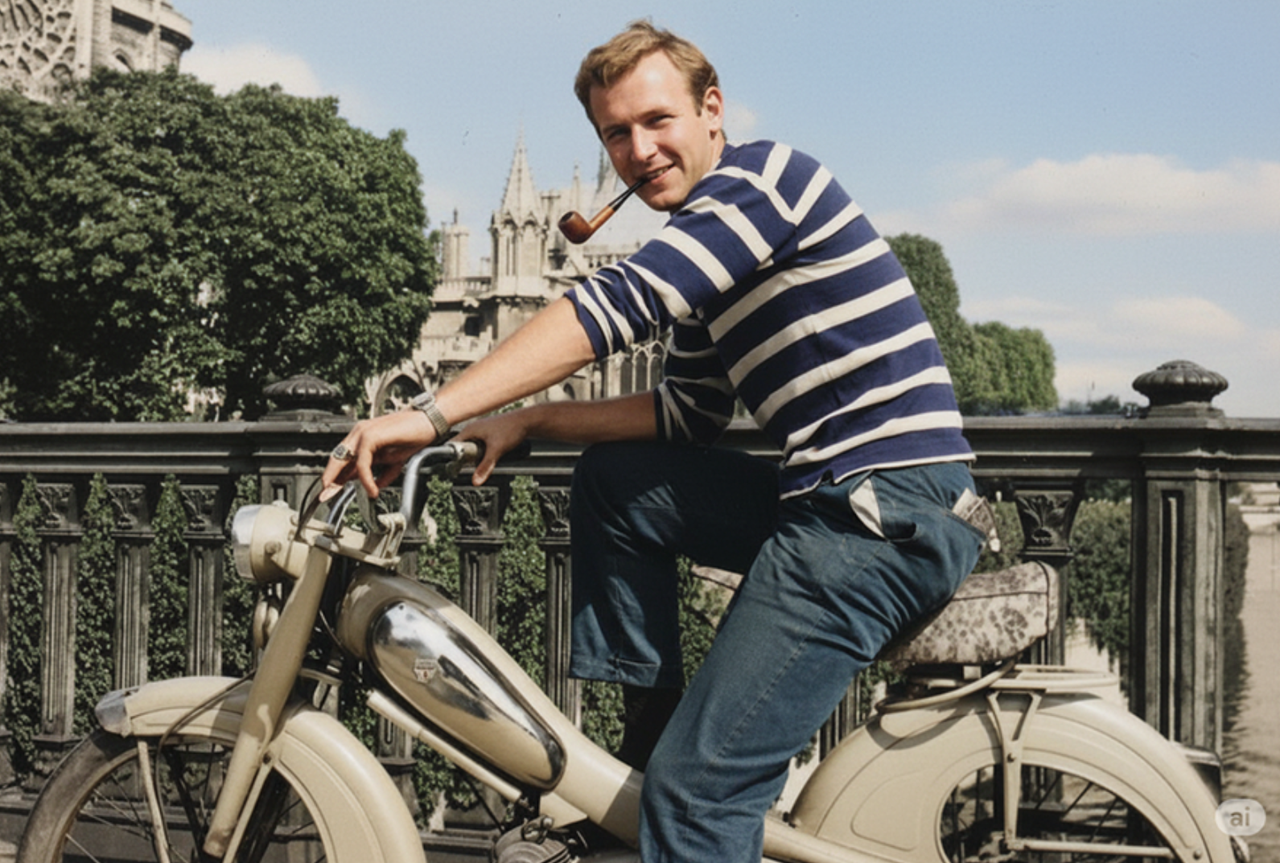 Result
Old Photo Colorization
An old photograph restored with natural color.
restore and colorize this photo.
Nano Banana Pro: Ways to shape your image
Build a new scene around your reference photo with Nano Banana Pro. Explore portrait, product and lighting examples, then describe the details you want to change.
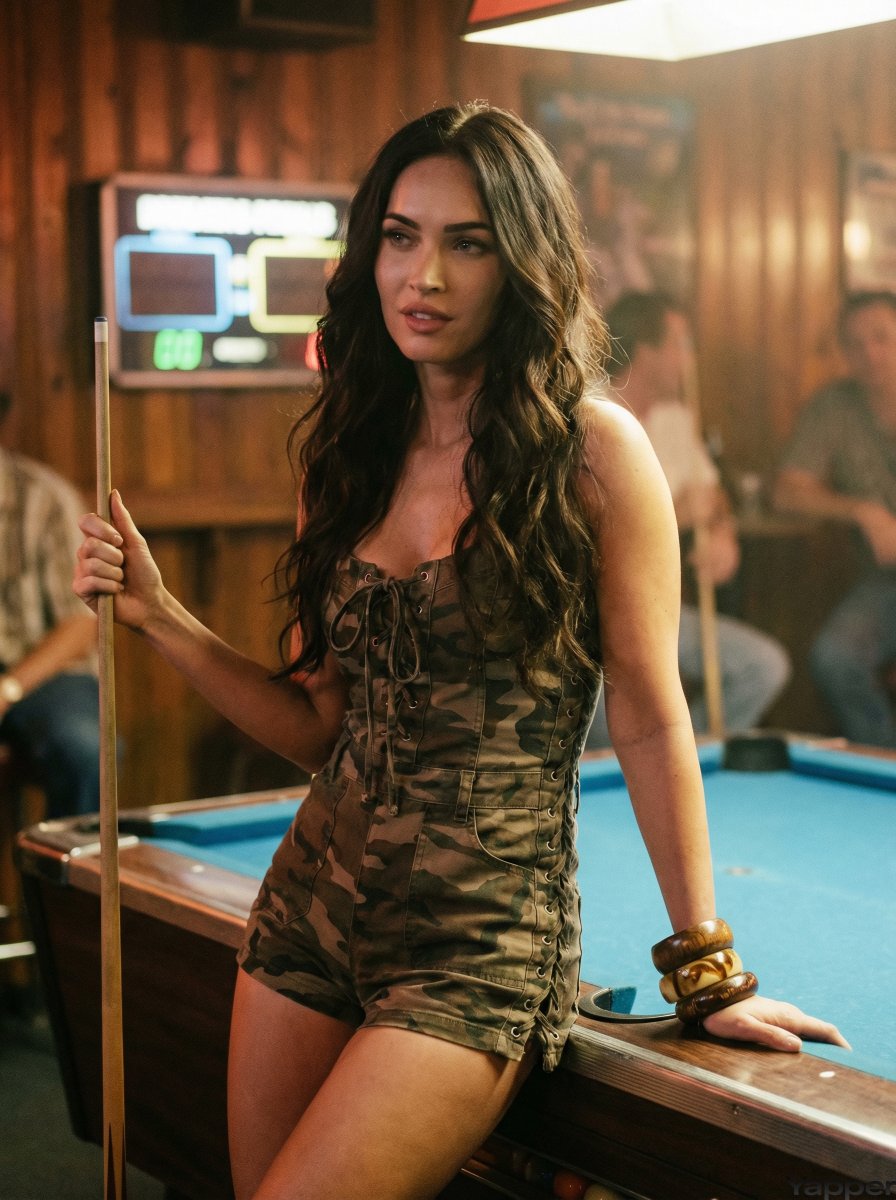
Reference-led scenes
Use a clear subject reference and describe the scene and lighting around it.
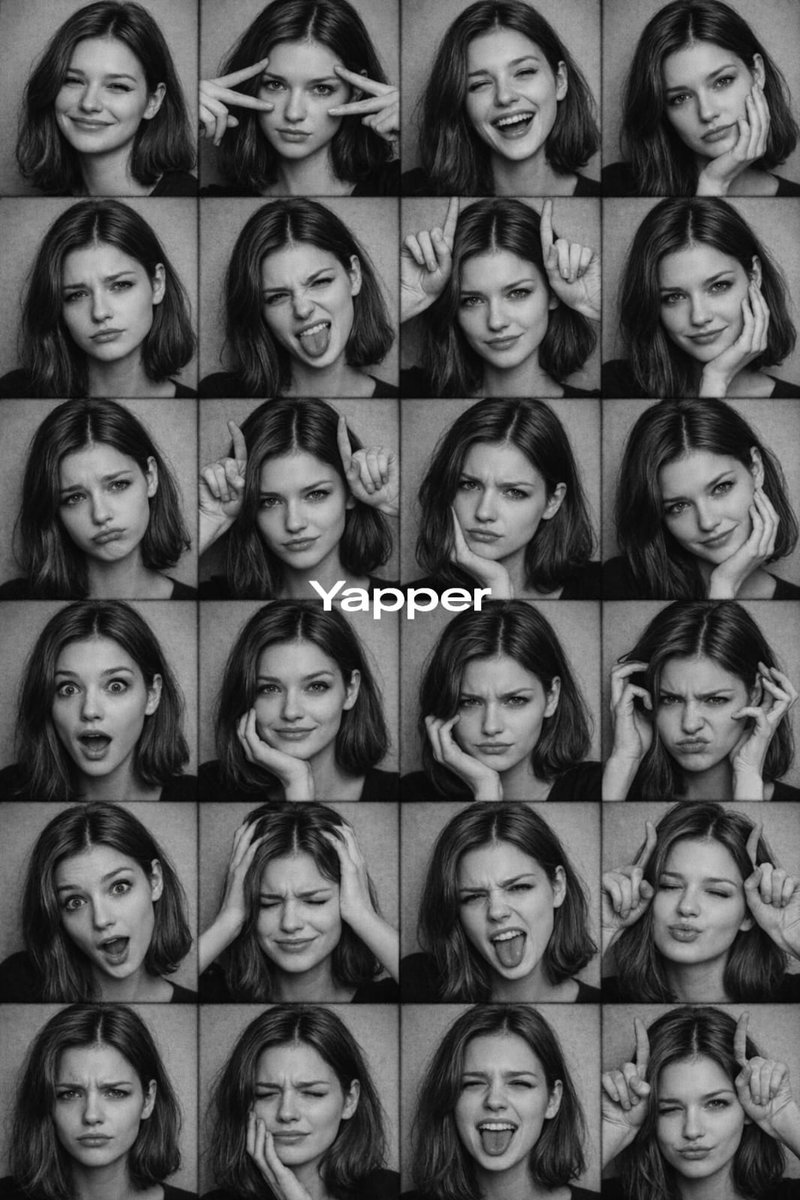
Group compositions
Describe who appears, where they stand and which details to preserve.
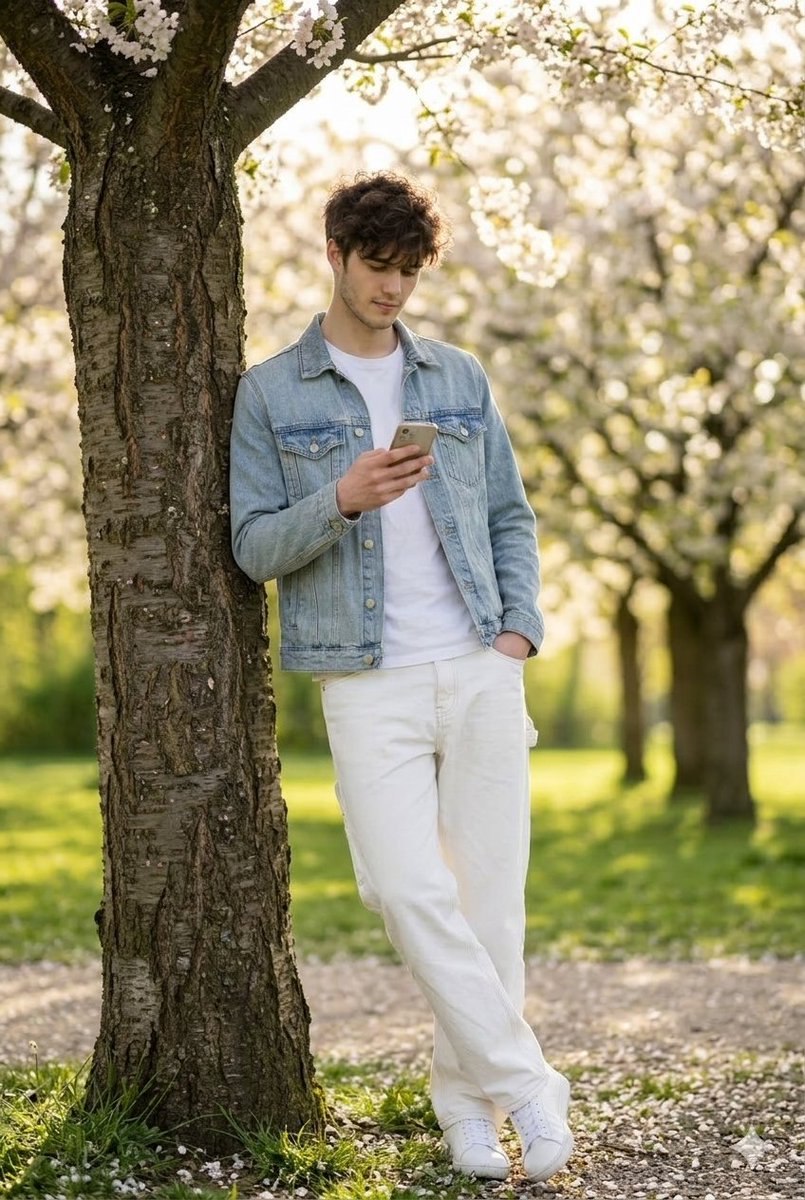
Outfit and pose changes
Specify the outfit, pose and background as separate instructions.
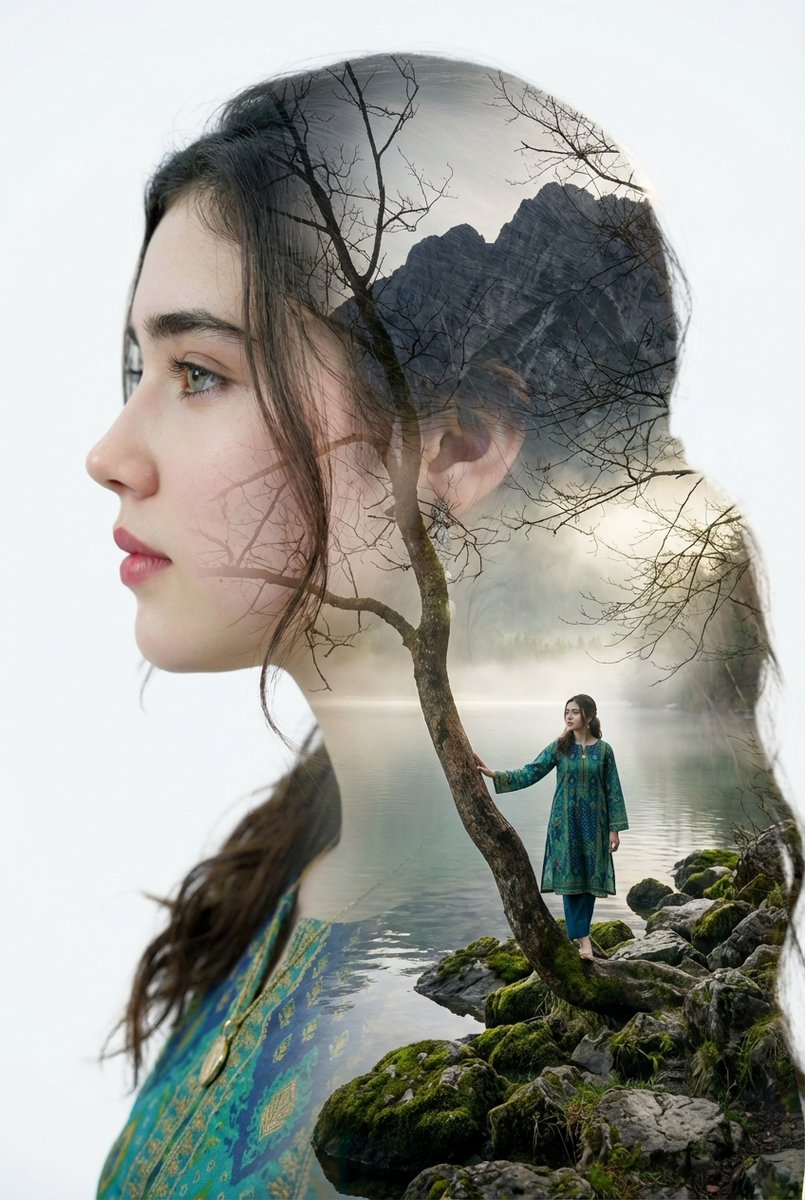
Portrait variations
Try different settings with one portrait reference and review facial details in each result.
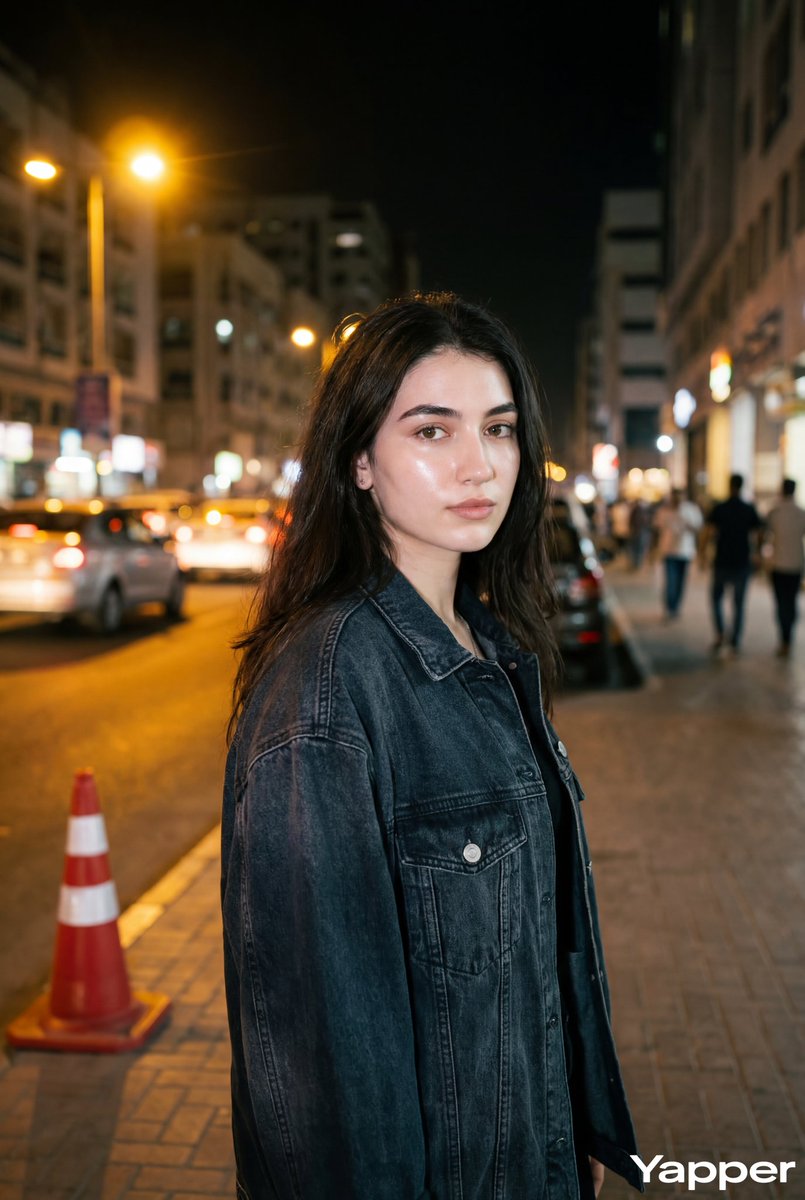
Text placement
Put the exact text in quotation marks and specify its position and style. Check spelling in the output.
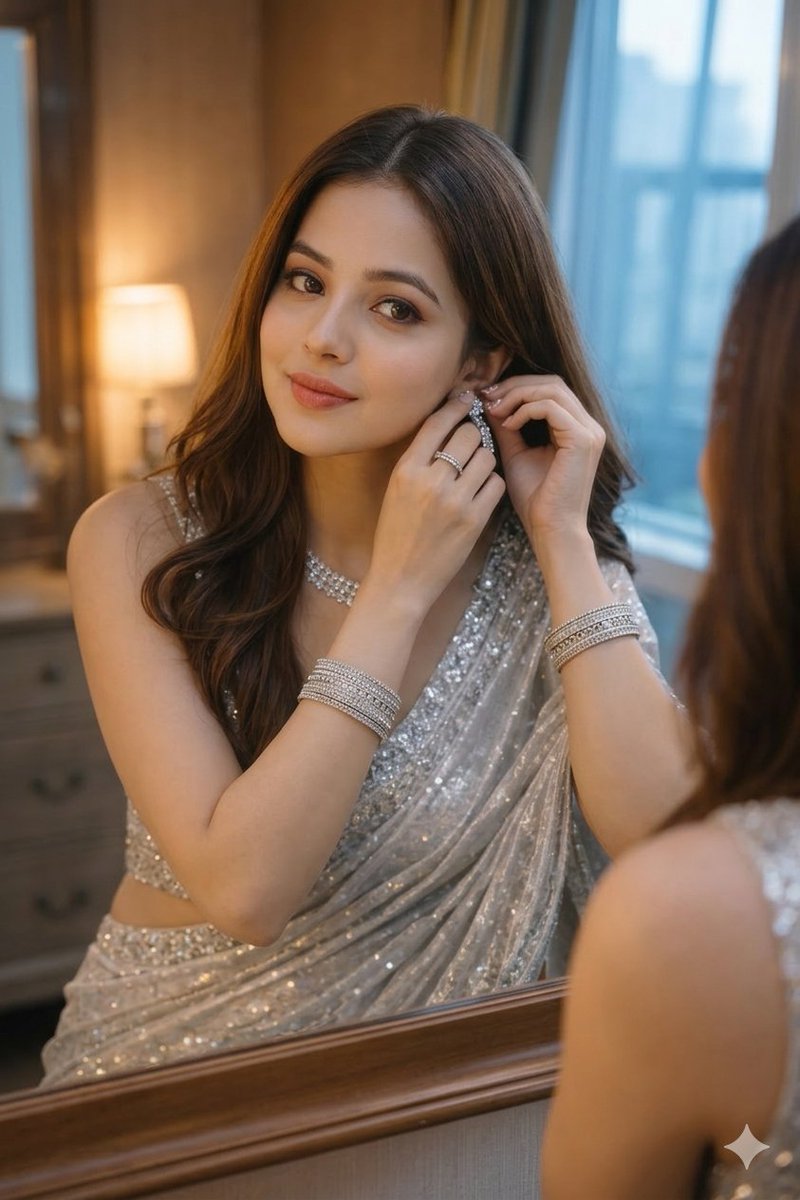
Product scenes
Assign each product reference a role, then check the resulting shape, materials and labels.
Start with a reference, finish with your own direction
Begin with one clear brief, compare a few versions and reuse the result as a reference when the selected model supports editing.
Shape a scene around your subject
Use a clear subject reference and describe the scene and lighting around it.
Try a scene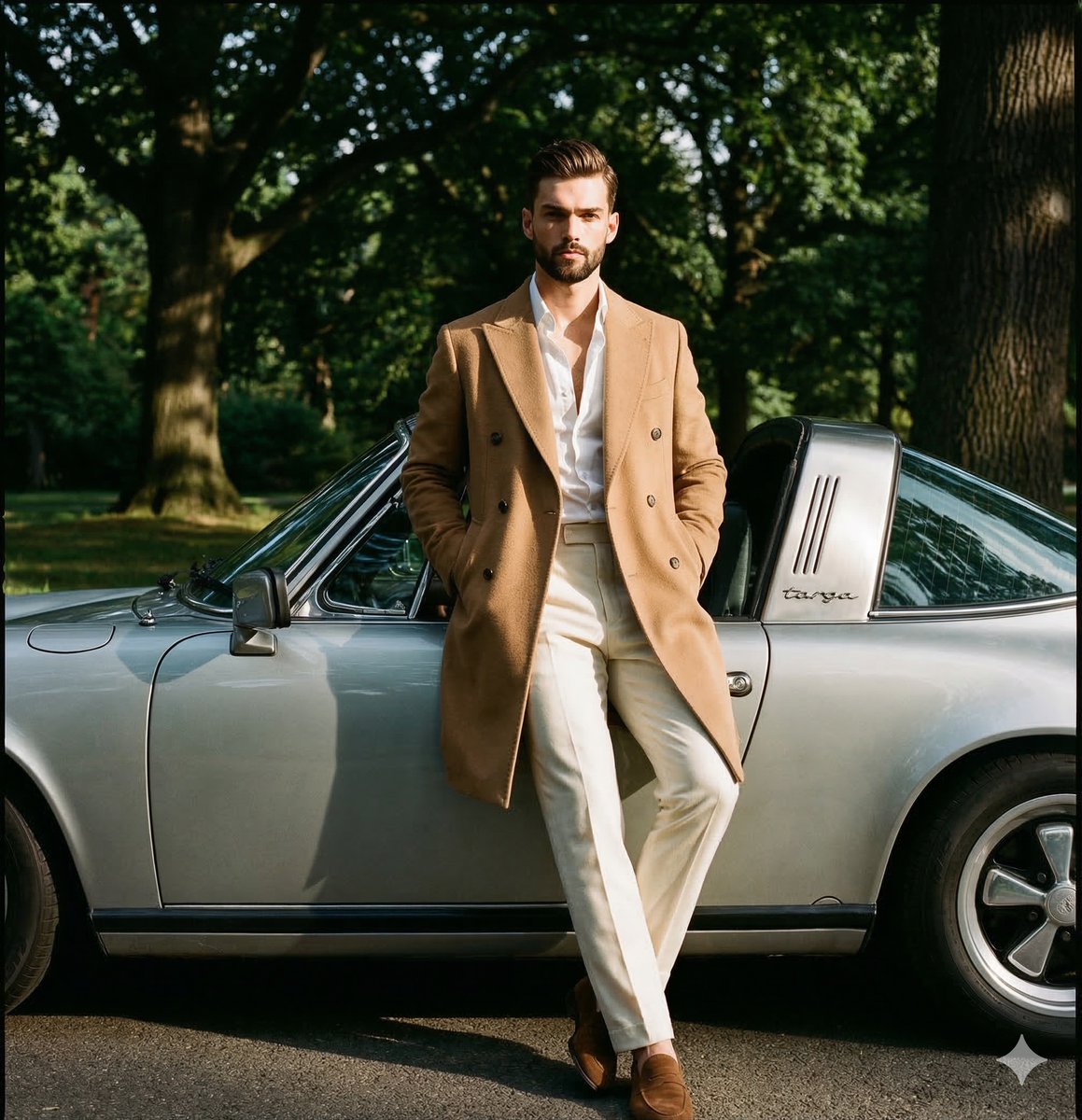
Try a different outfit or pose
Specify the outfit, pose and background as separate instructions.
Try an outfit change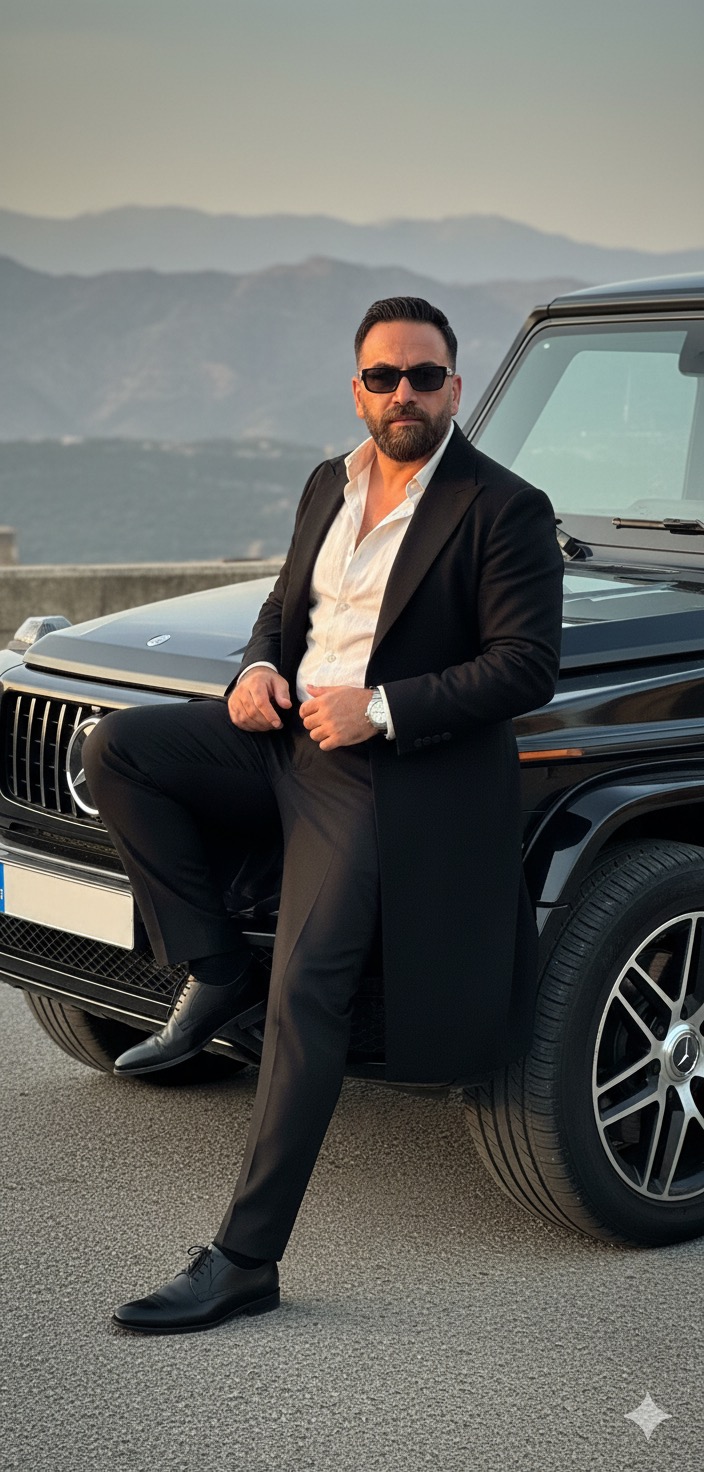
Build a product scene
Assign each product reference a role, then check the resulting shape, materials and labels.
Try a product scene
Prompt ideas worth adapting
Copy a prompt as a starting point, replace the subject and adjust the details to fit your own reference.
Want more creative ideas? Explore 1,400+ Nano Banana Prompts
Browse copy-ready prompts with high-res reference visuals across 10 creative categories.
Before you generate
Check the selected model and its input requirements. These settings describe the workflow, not a guarantee that every output will match your reference.
Input
Lite starts from text. For reference editing, choose a model that accepts uploaded images.
Output size
Use the resolution options offered by the selected model. Lite has no resolution selector; Pro offers 1K, 2K and 4K.
Image details
Describe the subject, lighting and placement separately. Inspect faces, labels and spelling before keeping a result.
Credits
The generator shows a quote before submission. Model credit prices do not change with your membership plan.
Usage
Paid plans and purchased credit packs include commercial use under the terms. Confirm rights to your inputs and any third-party content.
Create, review and reuse
Each submission is a separate task. Use a completed output as a new reference when you want another edit.
Choose your input
Write a prompt for Lite, or select an editing model and upload the required reference images.
Write a focused brief
Specify what to create or change, what to preserve and the intended composition.
Review the quote and submit
Check the model, aspect ratio, available resolution and credit quote before starting the task. Processing time varies.
Inspect and refine
Review the completed image. To make another change, upload the result to a supported editing model and submit a new task.
Save the result
Open the result or My Creations and download the original file. Keep the prompt and settings for later variations.
Choose an image model
These are the image models available in this workspace. Input requirements, settings and credit costs differ.
Nano Banana 2 Lite
Start from a text prompt for drafts, compositions and everyday visuals. Reference editing uses a different model.
Nano Banana Pro
Use reference images for detailed edits, with 1K, 2K and 4K output options.
Qwen Image 2.1
Try multi-reference compositions, lettering or transparent PNG outputs.
GPT Image 2.5
Explore design assets, product scenes and photo edits with selectable output settings.
Popular Creative Workflows
Use these as prompt directions within the generator. Review the selected model and the result for each task.
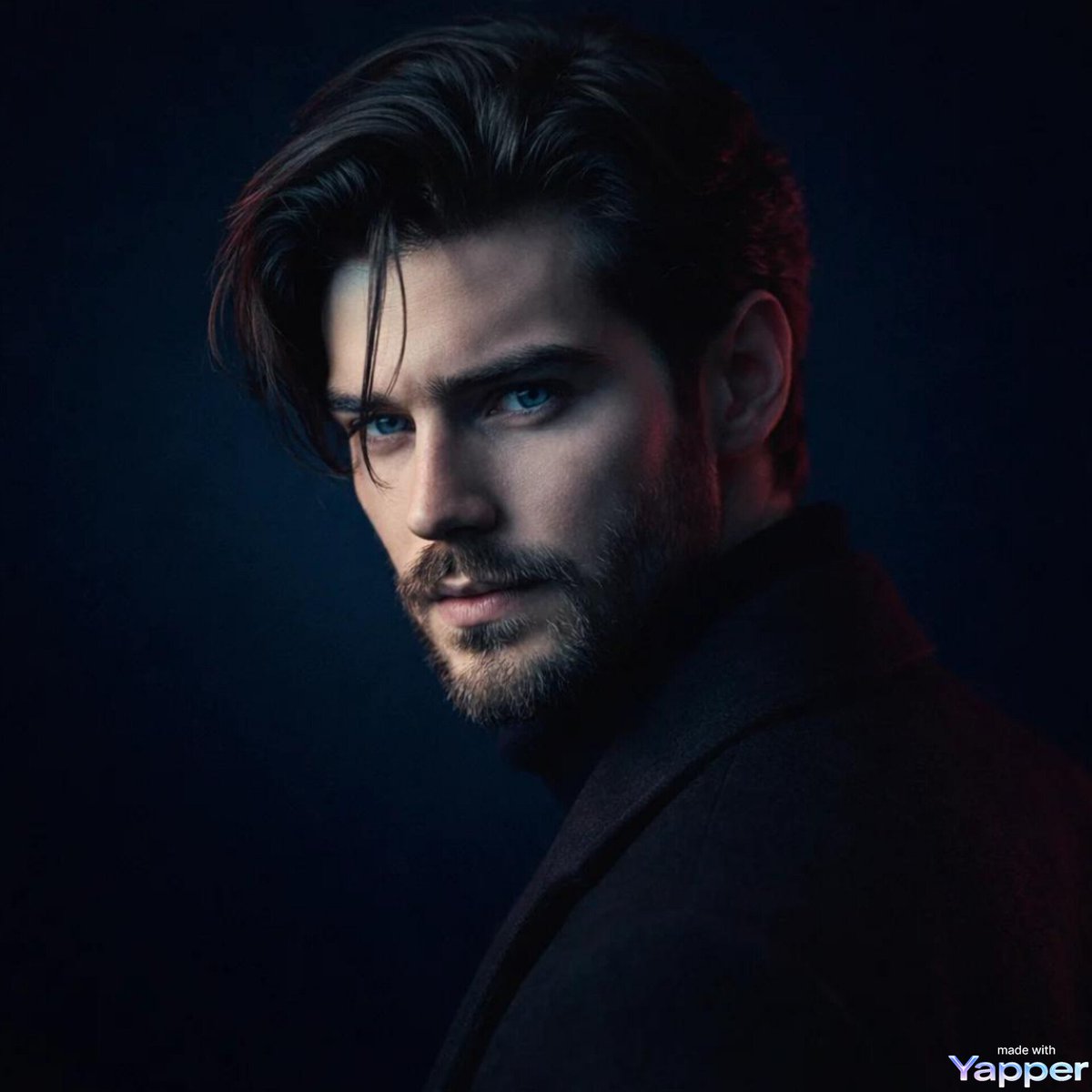
Nano Banana AI Image Generator
Describe the subject, setting and composition for a new image.
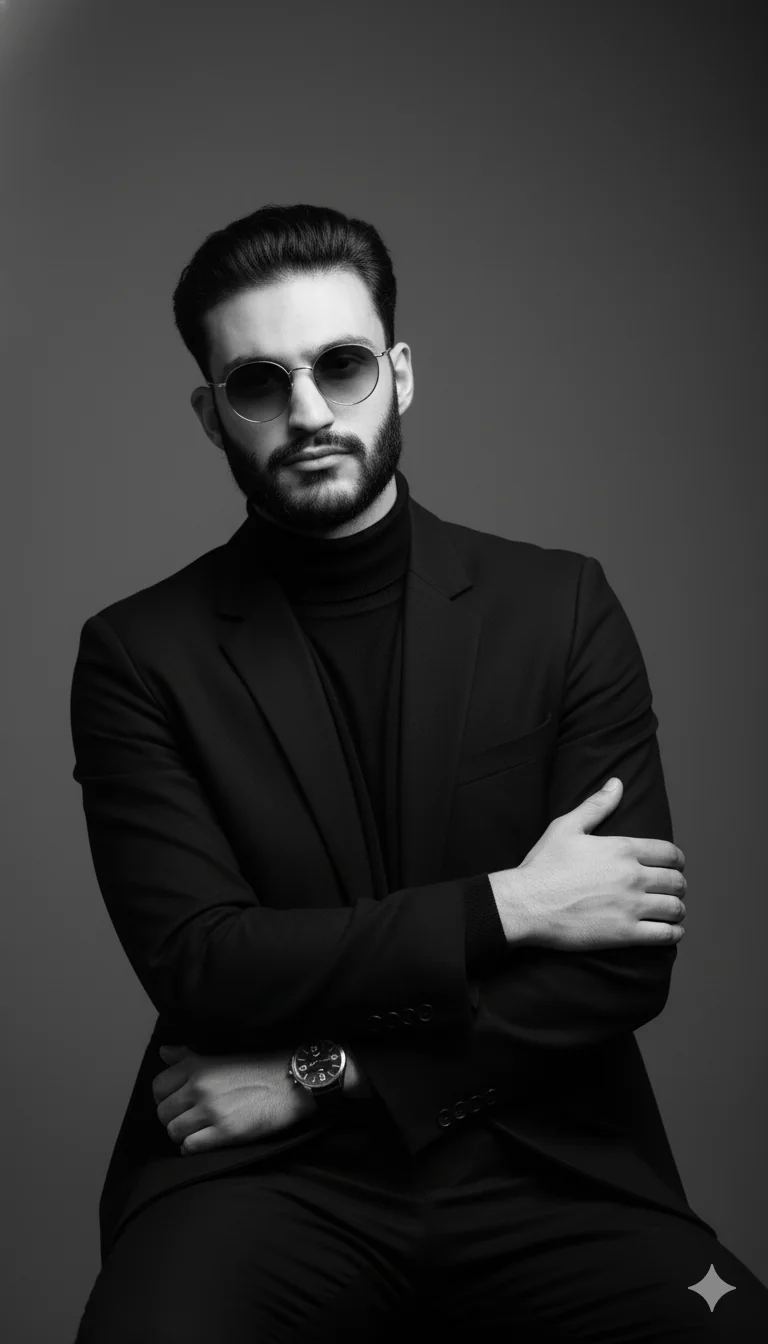
Nano Banana Photo Editor
Upload a reference to a supported editing model and specify a focused change.
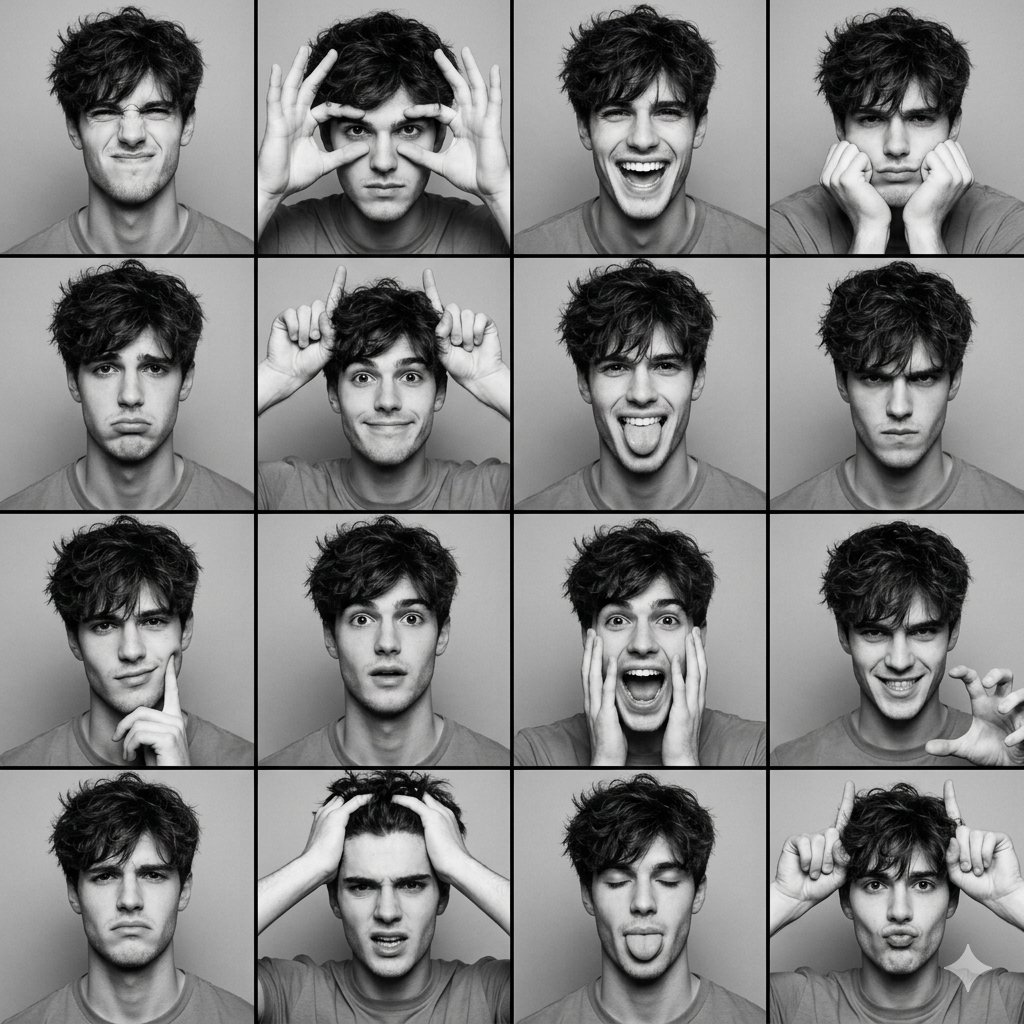
Character Consistency Studio
Reuse a subject reference and check identity details in each new version.
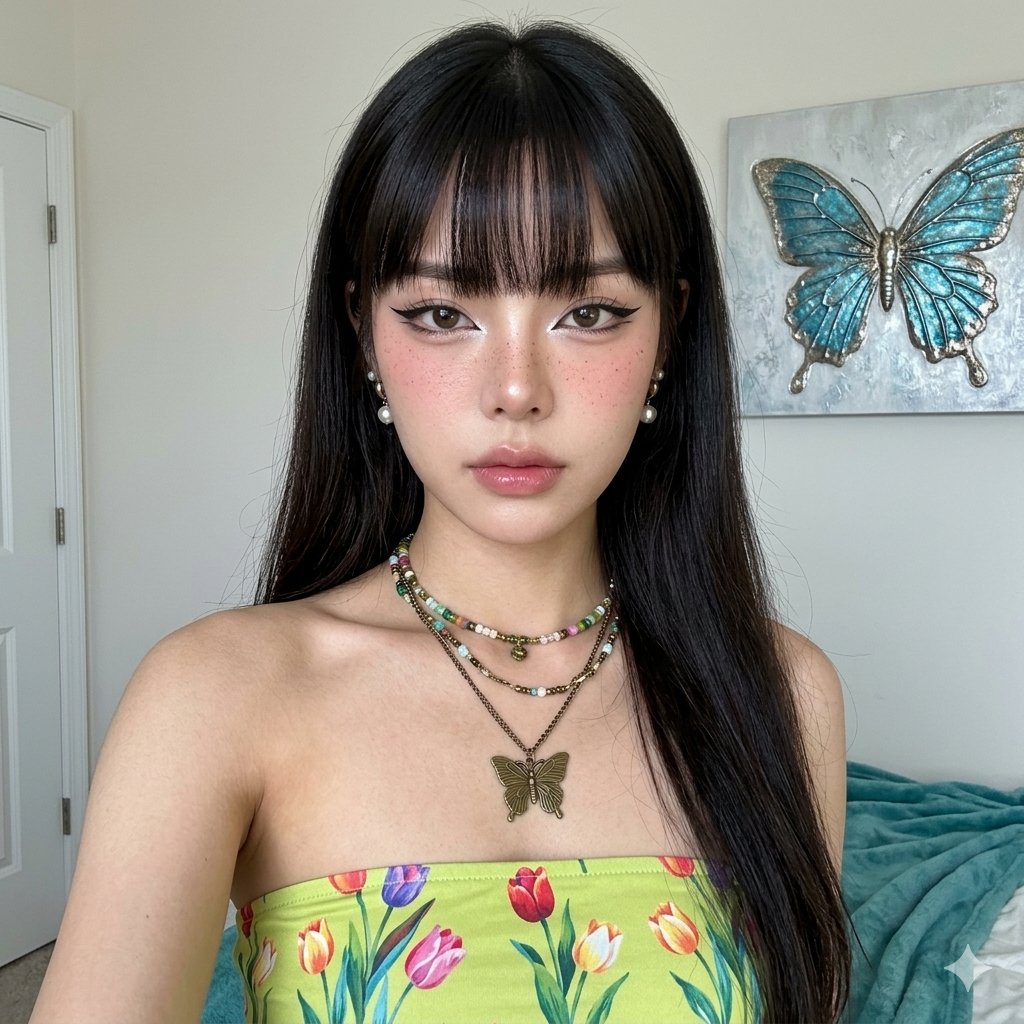
AI Outfit & Clothes Changer
Describe the outfit and pose while stating which facial details to preserve.
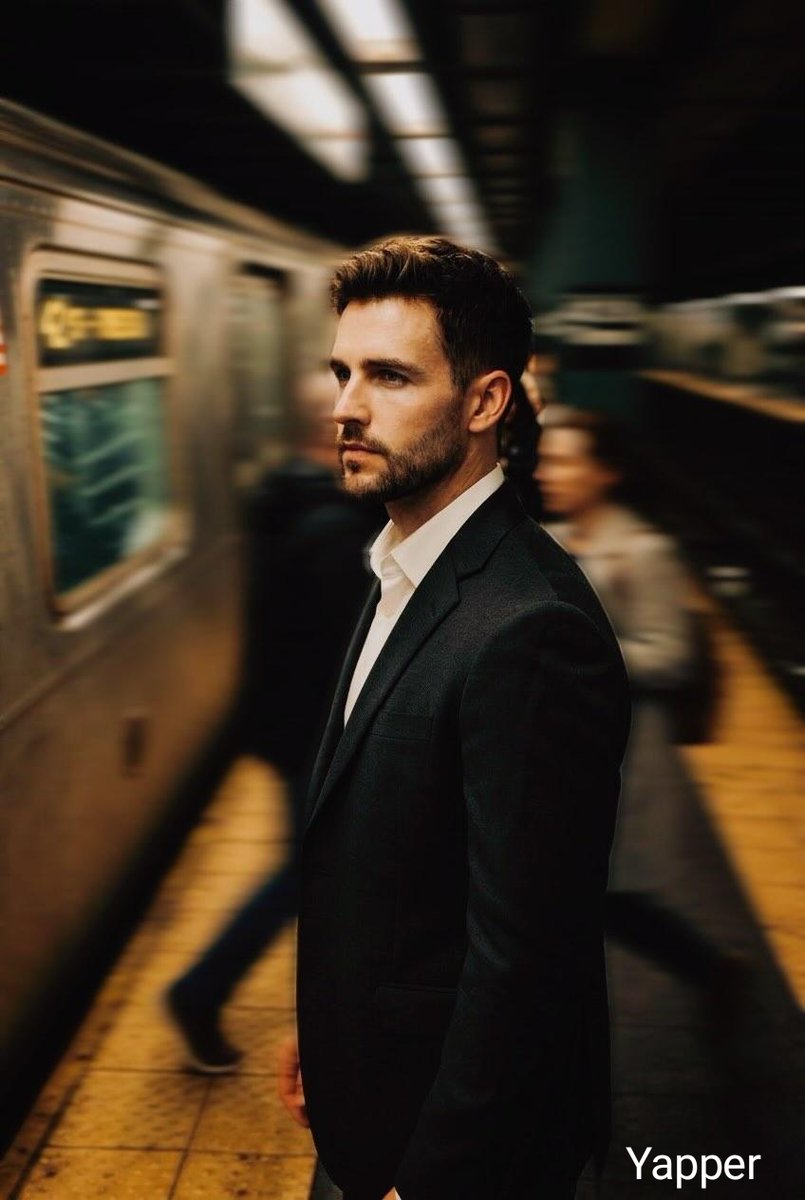
AI Background Changer
Specify the new setting and inspect edges, lighting and shadows.
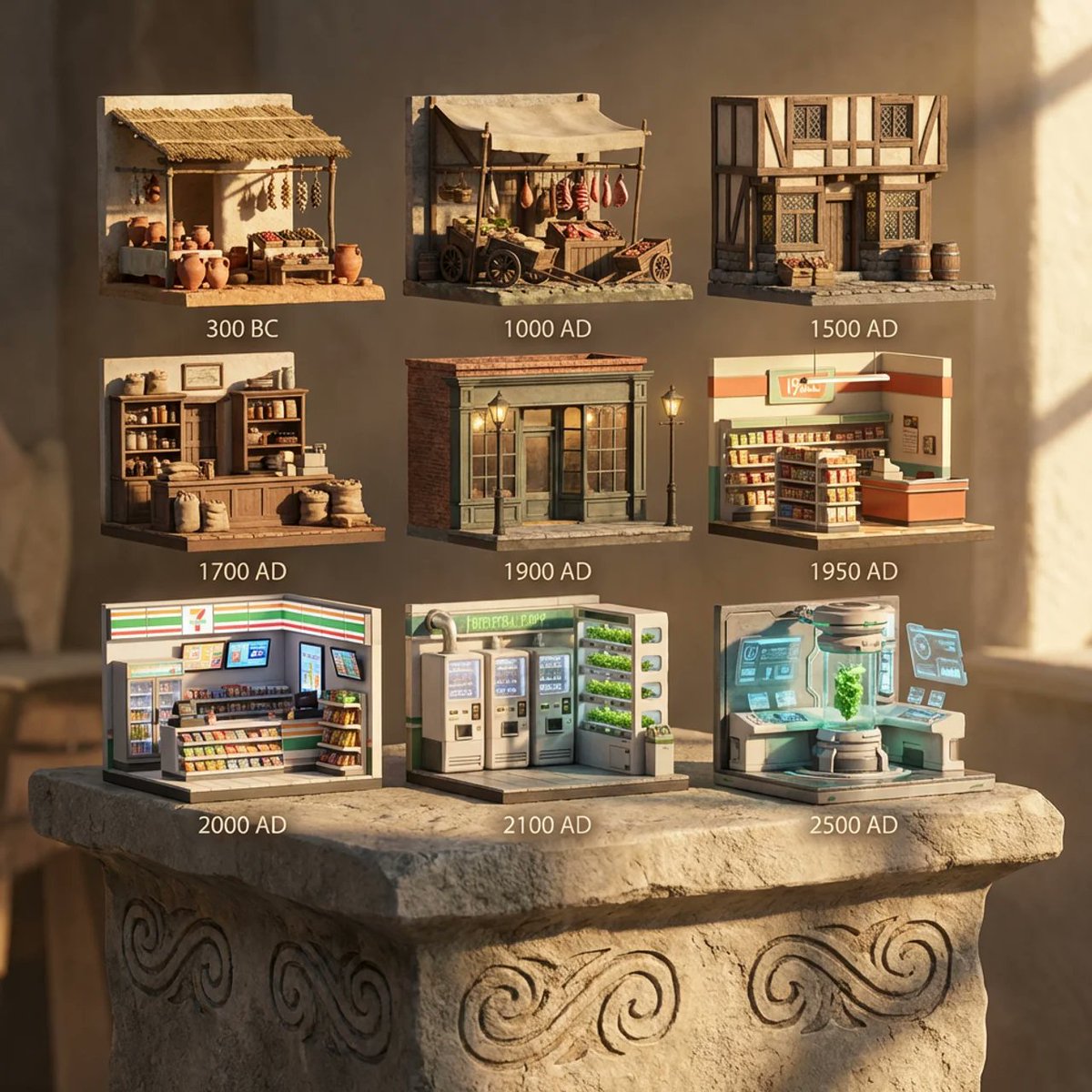
Image variations
Change one instruction at a time and compare separately submitted tasks.
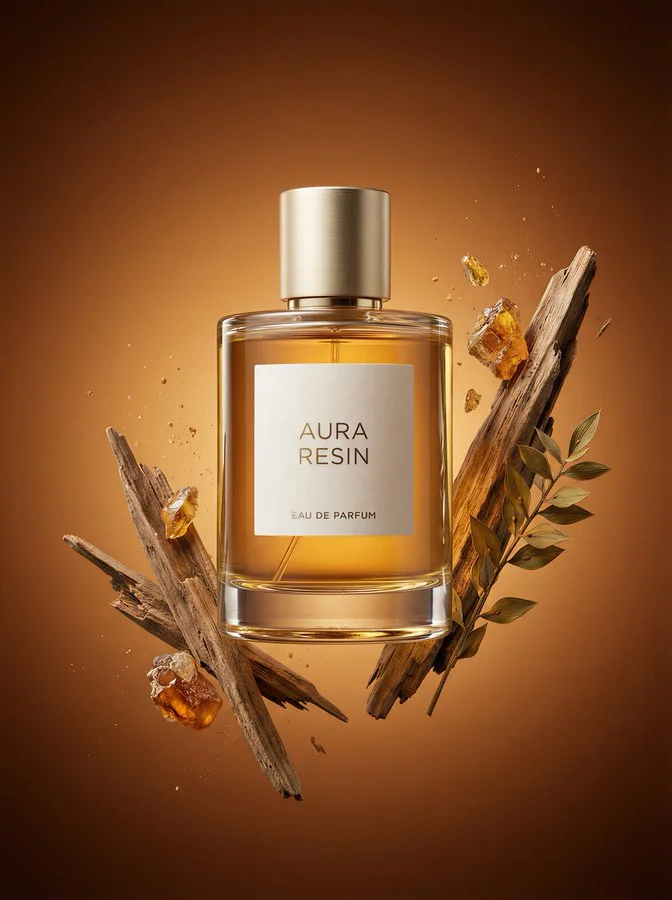
Product Photo Generator
Supply a clear product reference and inspect its shape, material and labels.
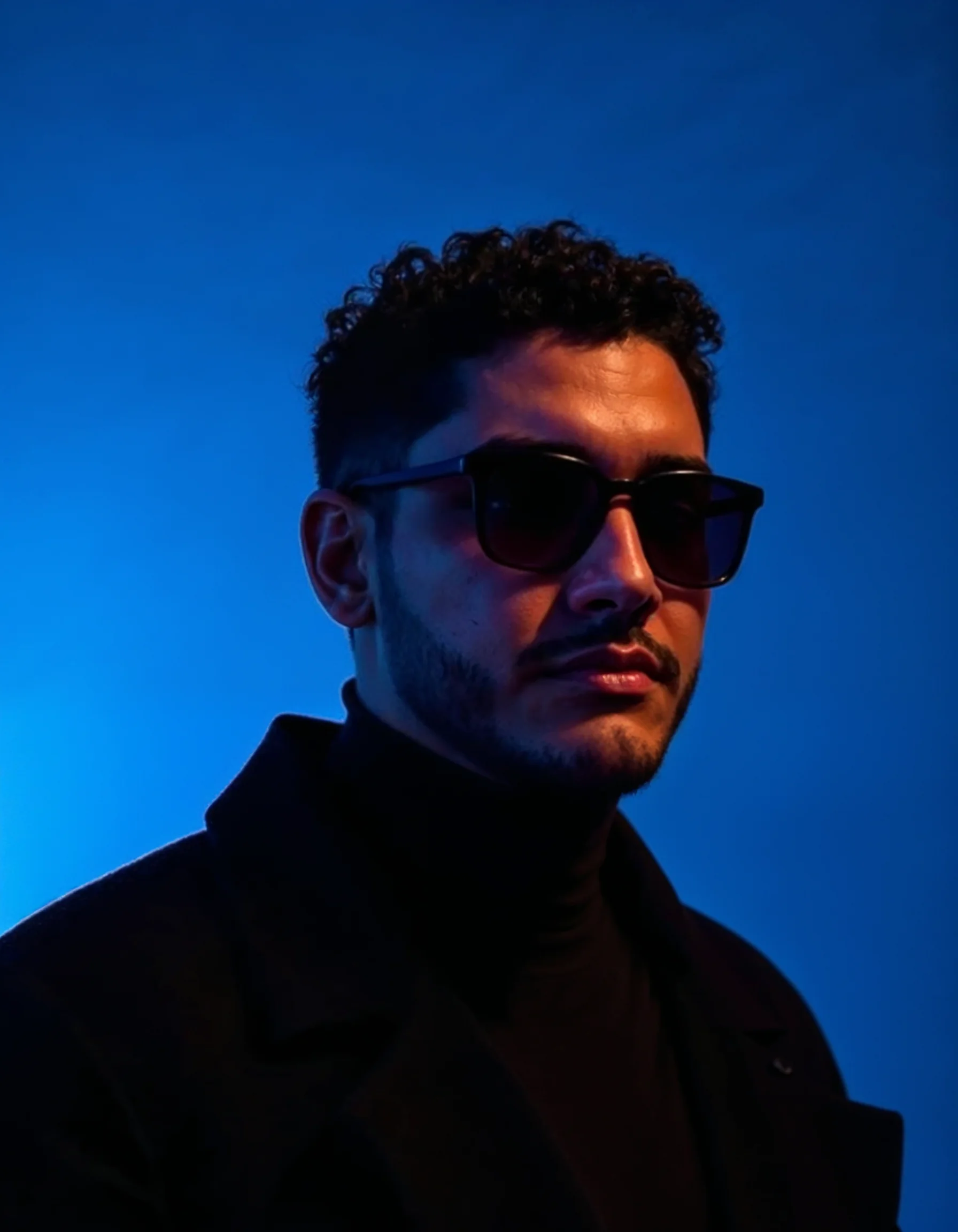
Poster & Typography Designer
Quote the exact wording and check spelling, spacing and placement in the output.
Pricing
Choose a monthly image credit allowance. Compare image counts, concurrent tasks and the features included in every paid plan.
Starter
For occasional image creation
Billed $118.8/year. Credits arrive monthly. Auto-renews; cancel anytime.
- 660 credits each month
- 10% more credits every month with yearly billing
- Credits cost 43% less than monthly billing
- Up to 82 Nano Banana 2 Lite images
- Up to 18 Nano Banana Pro images
- Up to 55 GPT Image 2.5 images
- 1 concurrent tasks
- Private generation by default
- Subscription credits expire 30 days after each monthly grant.
- Watermark-free image exports
- Commercial use
Each estimate uses the full monthly allowance for one model, not all models combined. Nano Banana Pro: 1K. GPT Image 2.5: low quality, 1:1 text to image. Higher quality, larger sizes and image editing use more credits.
Pro
MOST POPULARFor everyday creative work
Billed $287.3/year. Credits arrive monthly. Auto-renews; cancel anytime.
- 3,520 credits each month
- 10% more credits every month with yearly billing
- Credits cost 45% less than monthly billing
- Up to 440 Nano Banana 2 Lite images
- Up to 97 Nano Banana Pro images
- Up to 293 GPT Image 2.5 images
- 3 concurrent tasks
- Private generation by default
- Subscription credits expire 30 days after each monthly grant.
- Watermark-free image exports
- Commercial use
Each estimate uses the full monthly allowance for one model, not all models combined. Nano Banana Pro: 1K. GPT Image 2.5: low quality, 1:1 text to image. Higher quality, larger sizes and image editing use more credits.
Max
For high-volume image workflows
Billed $503.3/year. Credits arrive monthly. Auto-renews; cancel anytime.
- 7,040 credits each month
- 10% more credits every month with yearly billing
- Credits cost 45% less than monthly billing
- Up to 880 Nano Banana 2 Lite images
- Up to 195 Nano Banana Pro images
- Up to 586 GPT Image 2.5 images
- 5 concurrent tasks
- Private generation by default
- Subscription credits expire 30 days after each monthly grant.
- Watermark-free image exports
- Commercial use
Each estimate uses the full monthly allowance for one model, not all models combined. Nano Banana Pro: 1K. GPT Image 2.5: low quality, 1:1 text to image. Higher quality, larger sizes and image editing use more credits.
Practical questions about image creation
Inputs, settings, credits and downloads explained before you start.
Try Nano Banana Pro Online Free
Build a new scene around your reference photo with Nano Banana Pro. Explore portrait, product and lighting examples, then describe the details you want to change.