


GPT Image 2.5 for images that fit your brief
Turn a written brief into a visual direction with GPT Image 2.5. Explore poster layouts, product scenes and photo edits, with image settings available before you submit.
From idea to image
These examples are starting points, not promised outcomes. Bring your own subject and references, describe the change clearly and review the result before using it.
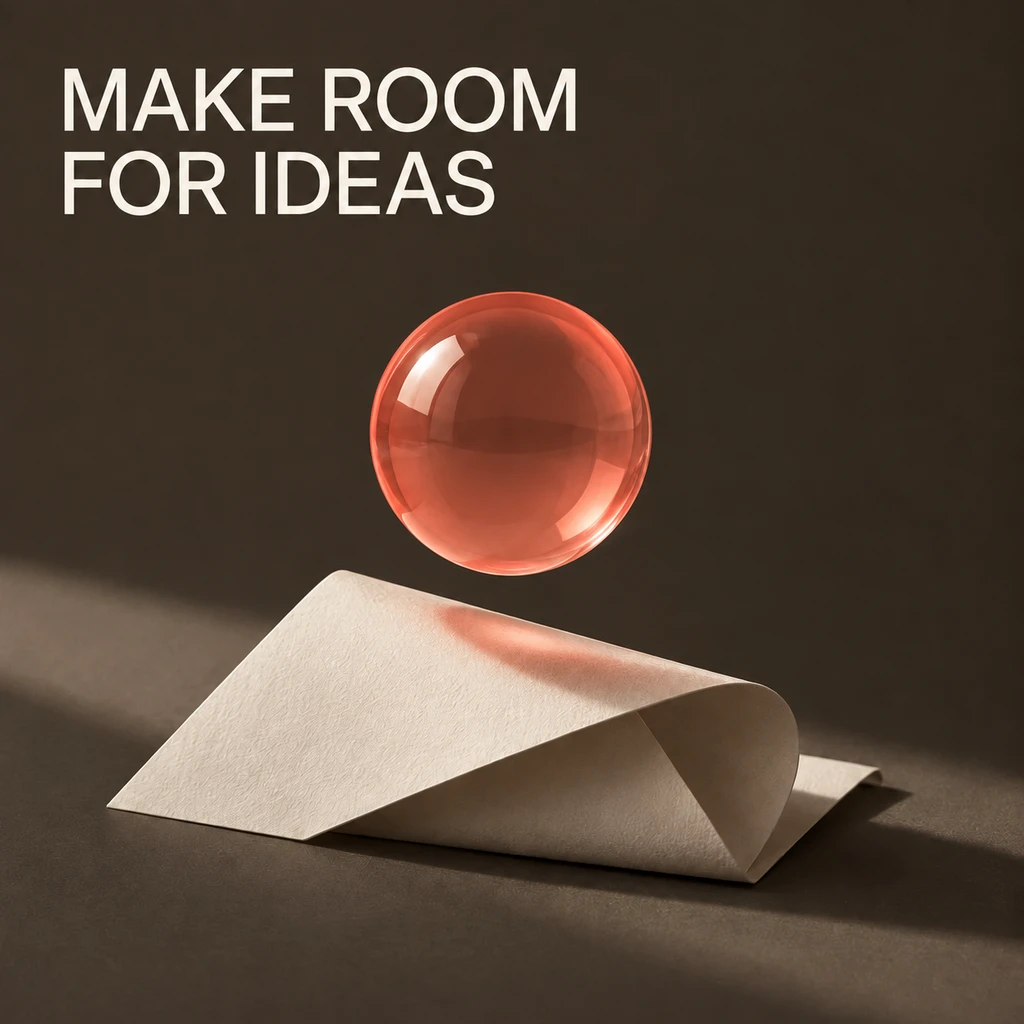 Input
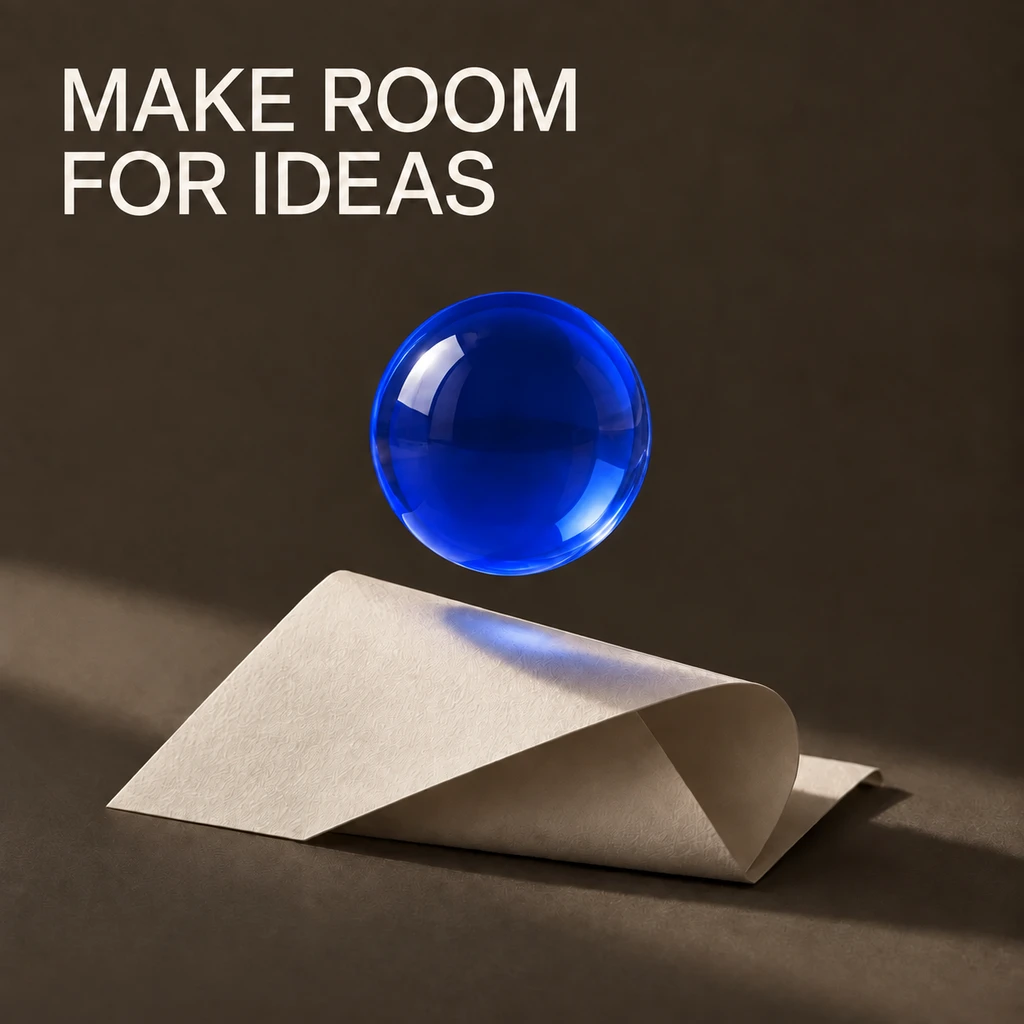 Result
Coral to cobalt
Starting from the Flare poster, change the coral glass sphere to cobalt blue while keeping the typography and lighting.
Change only the coral glass sphere to cobalt blue glass. Keep the headline, footer, paper sculpture, lighting, camera, composition, and every other detail unchanged.
Start with a reference, finish with your own direction
These examples are starting points, not promised outcomes. Bring your own subject and references, describe the change clearly and review the result before using it.
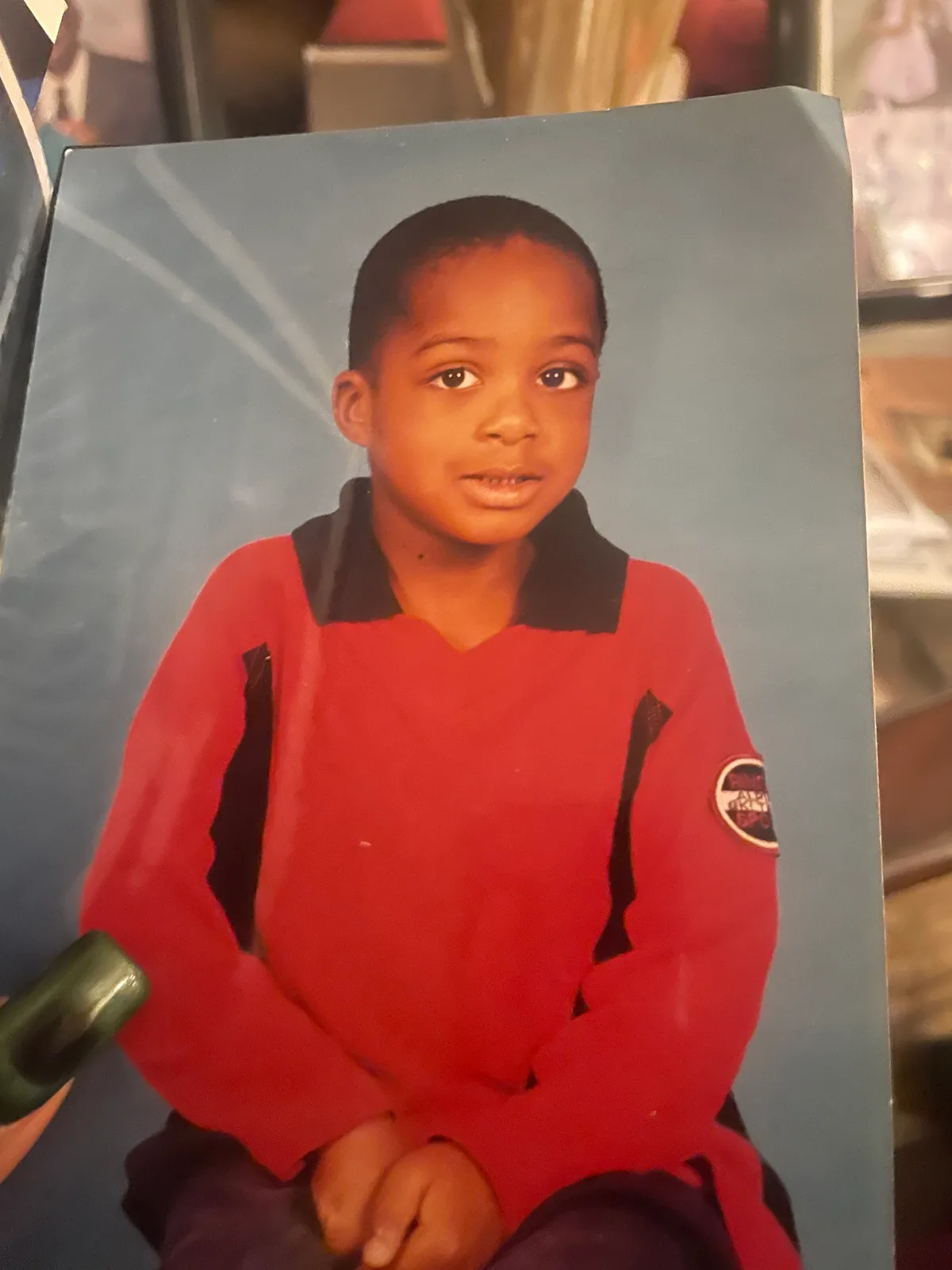
Formalwear, same child
Describe the finished composition in your brief: the main subject, light source, setting and intended visual style.
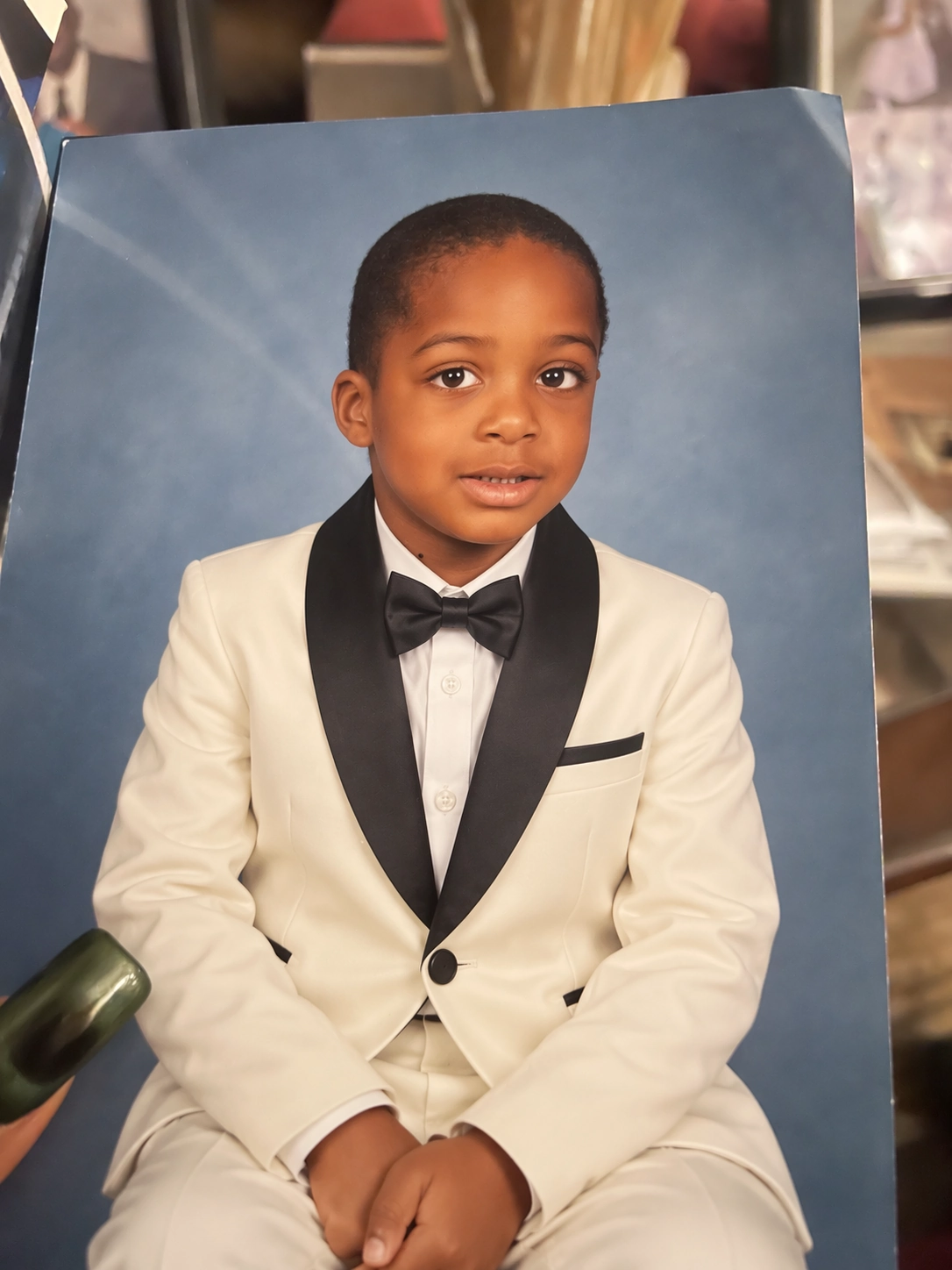 ReferenceEdited
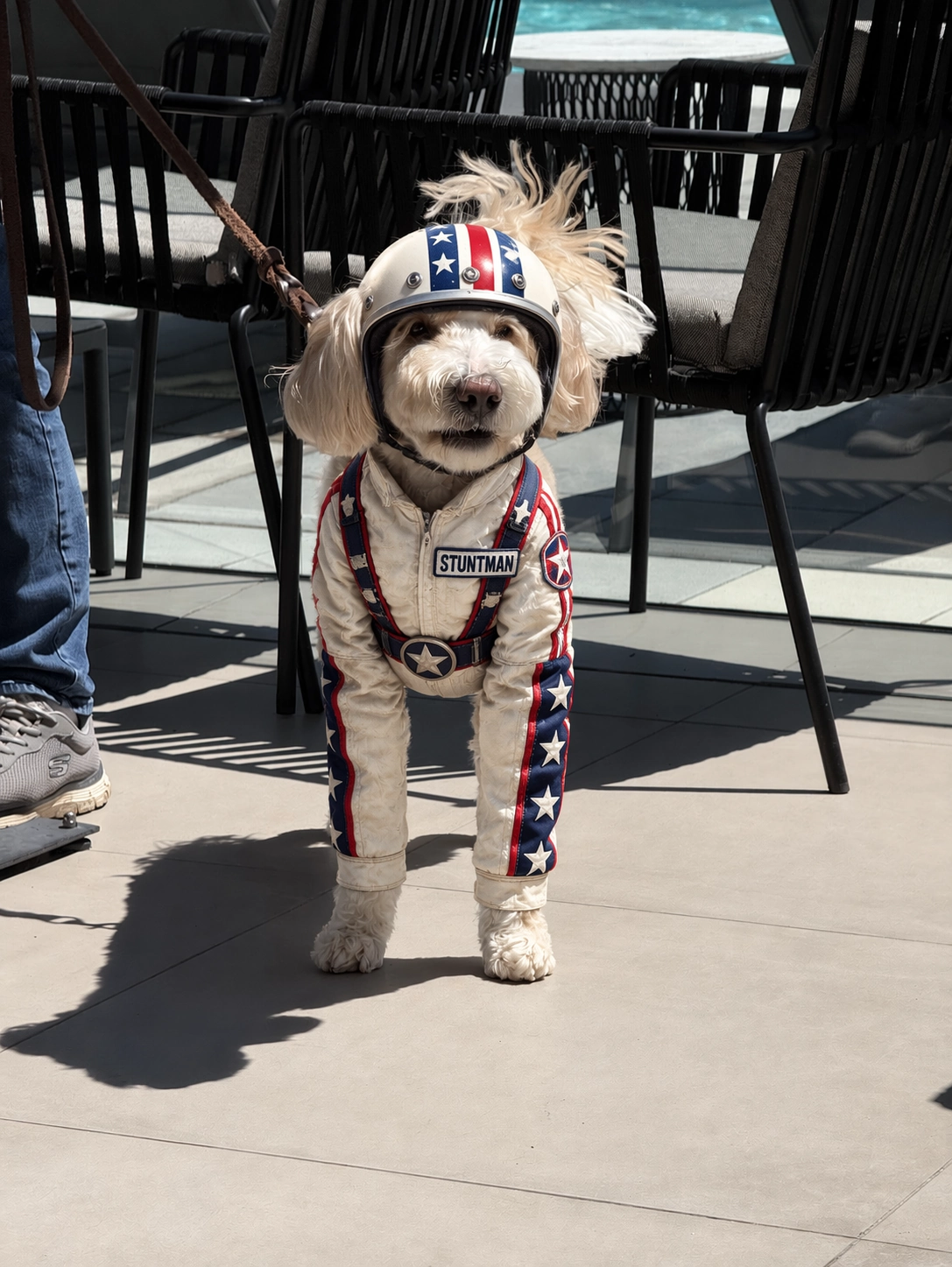
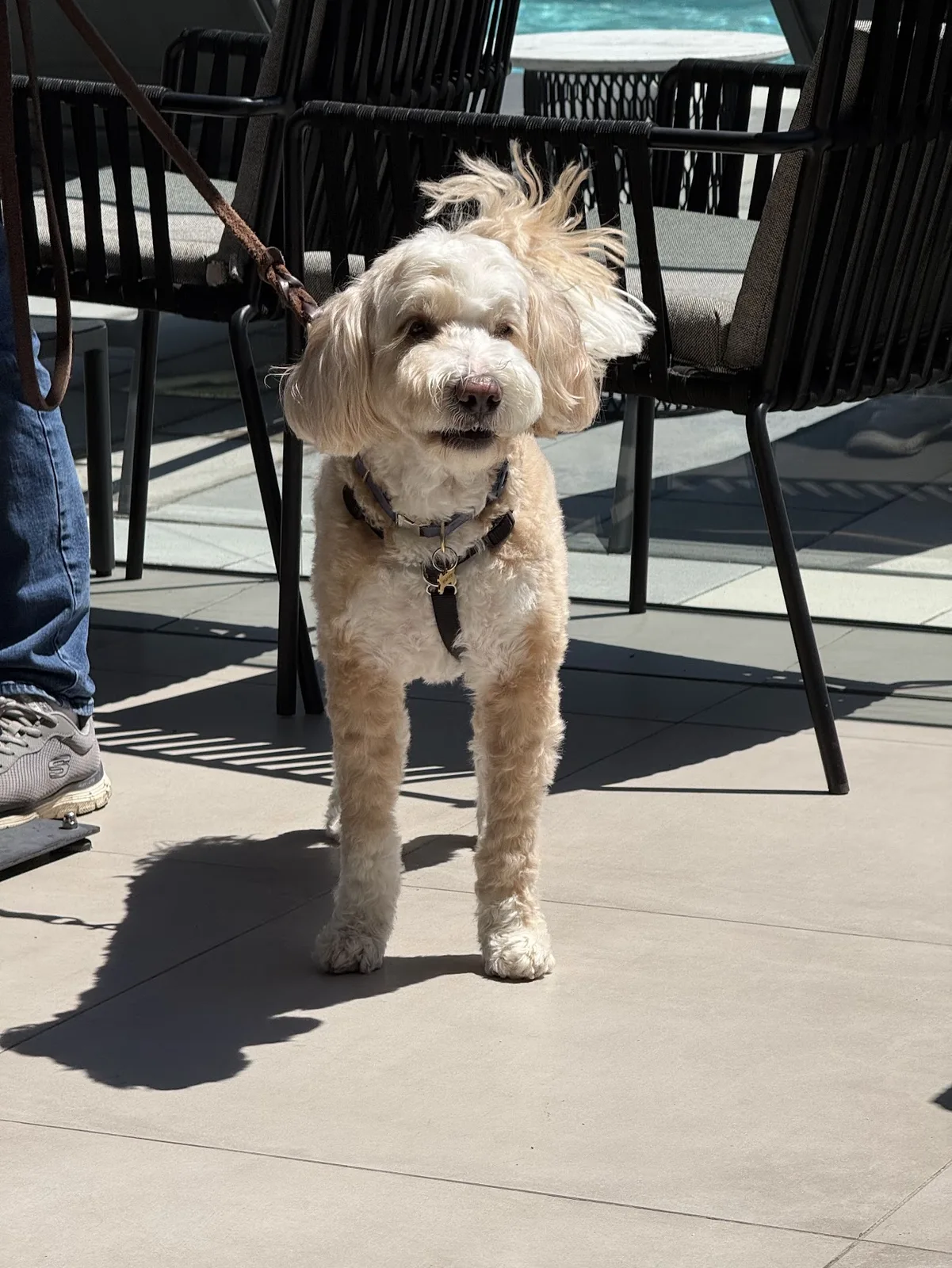
Pet photo to stunt-dog
Use reference photos for edits and specify the details to keep. Review the result for changes outside your requested area.
 ReferenceEdited
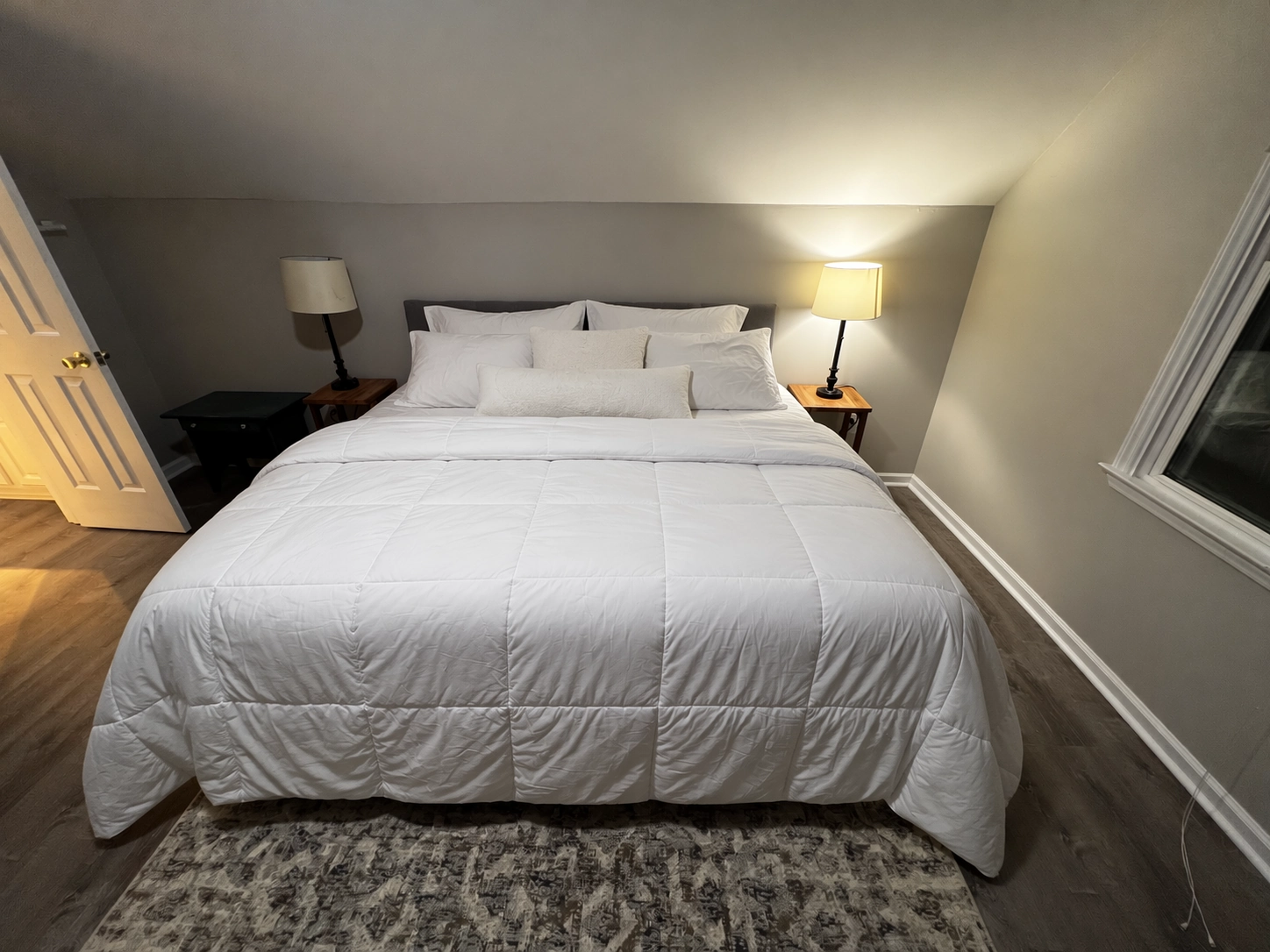
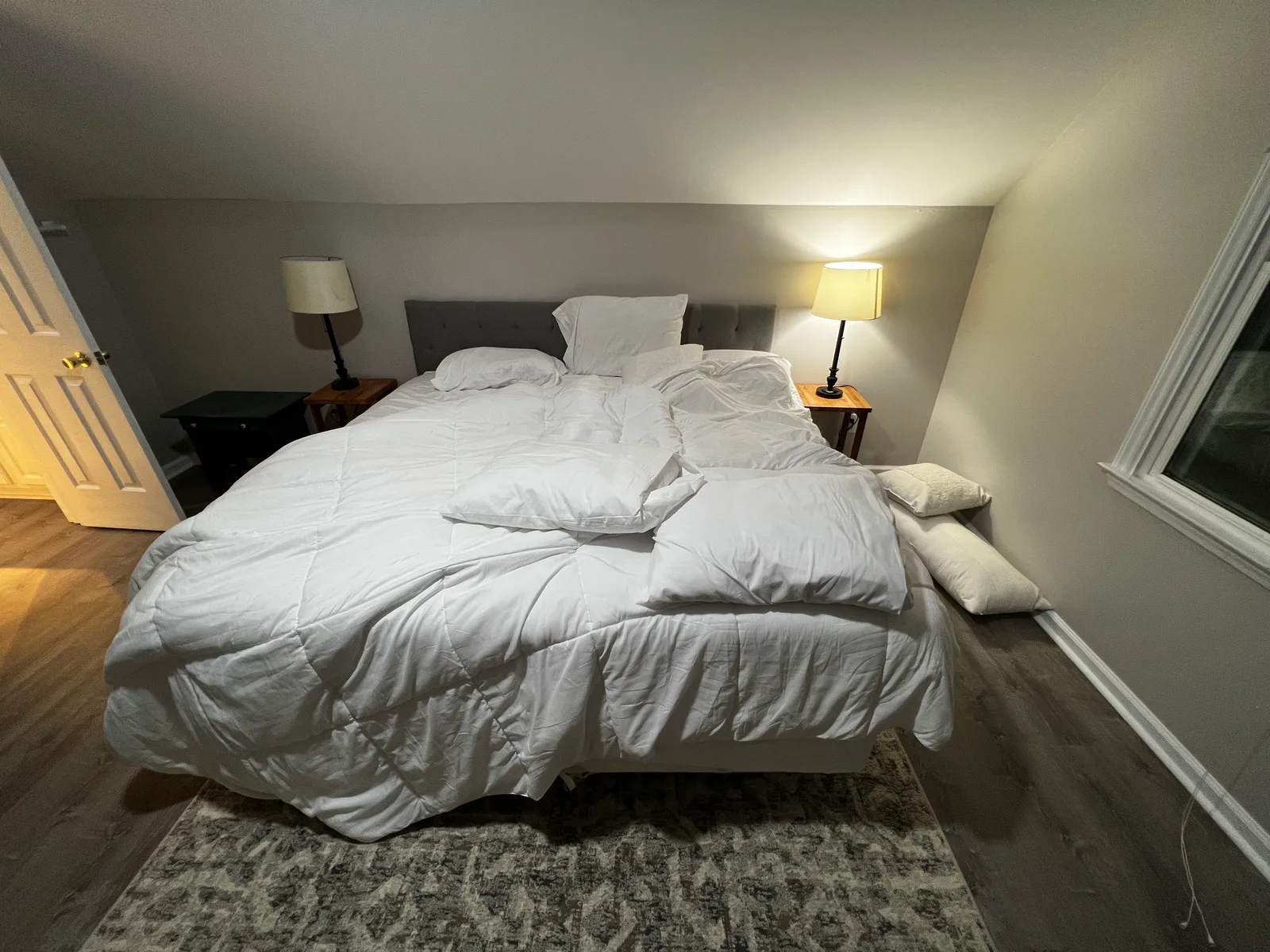
Same bedroom, made bed
Choose output settings to suit the asset. When requesting a transparent background, download the original PNG and inspect its edges.
 ReferenceEdited
Prompt ideas worth adapting
Copy a prompt as a starting point, replace the subject and adjust the details to fit your own reference.
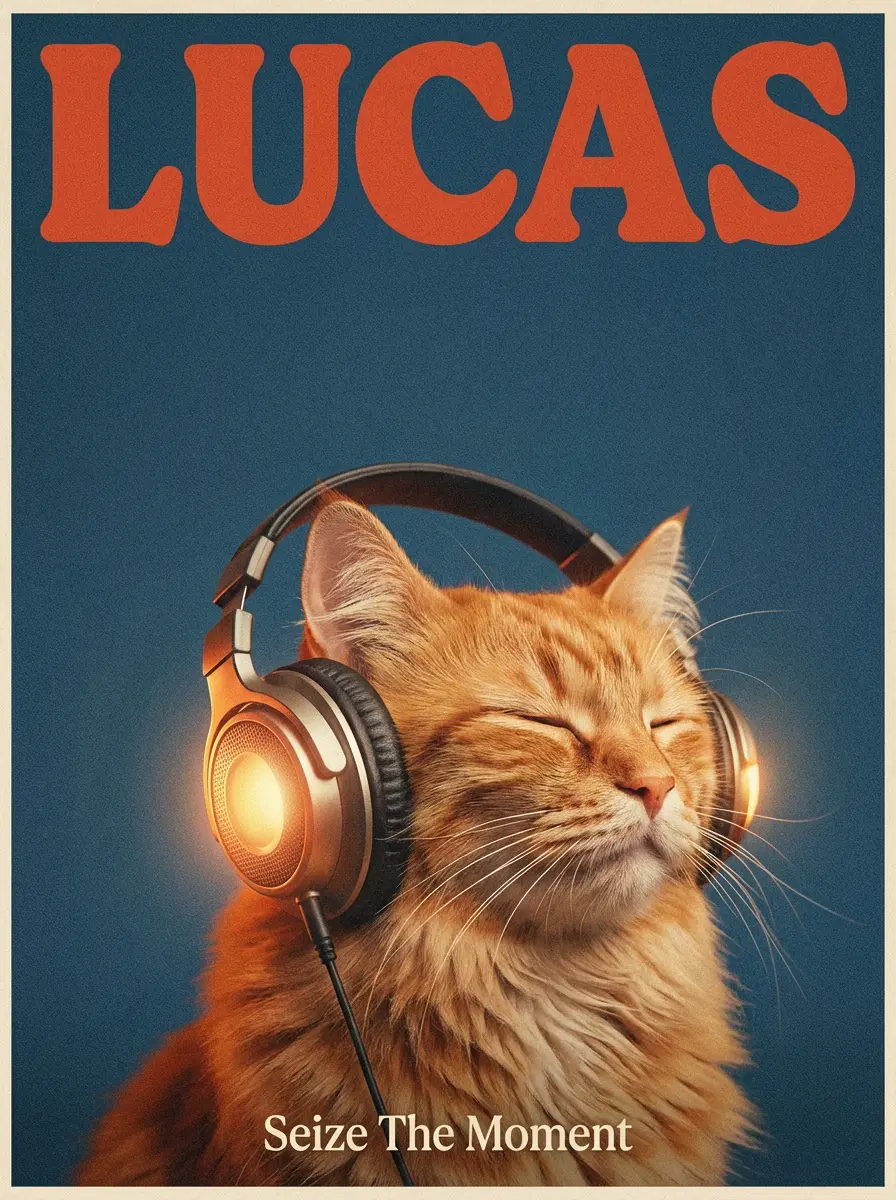 Text to image
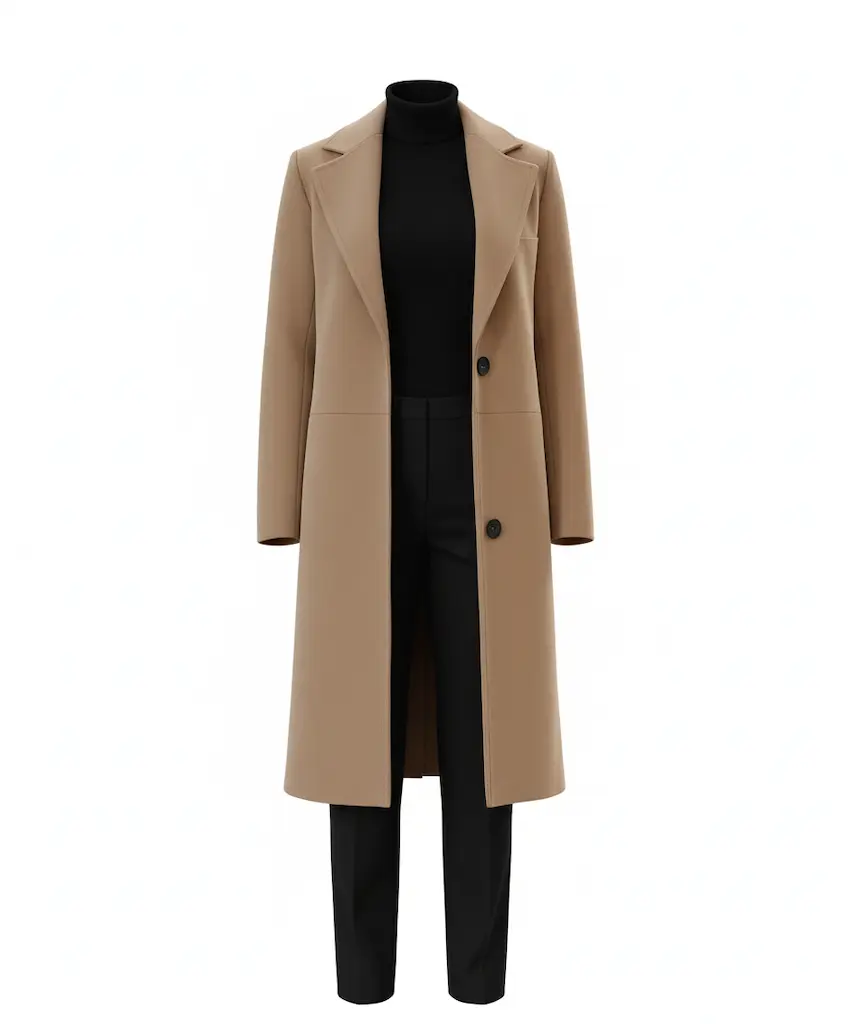 Image to image
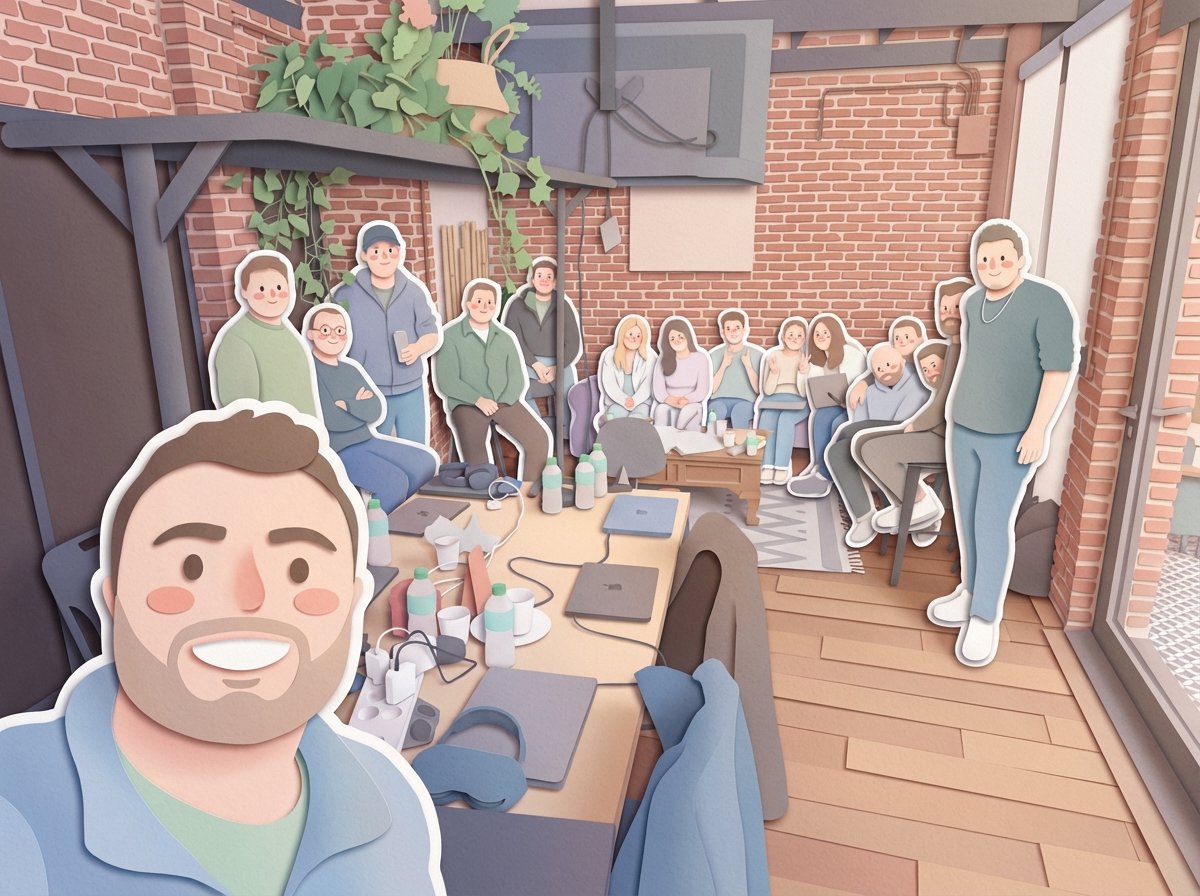 Image to image
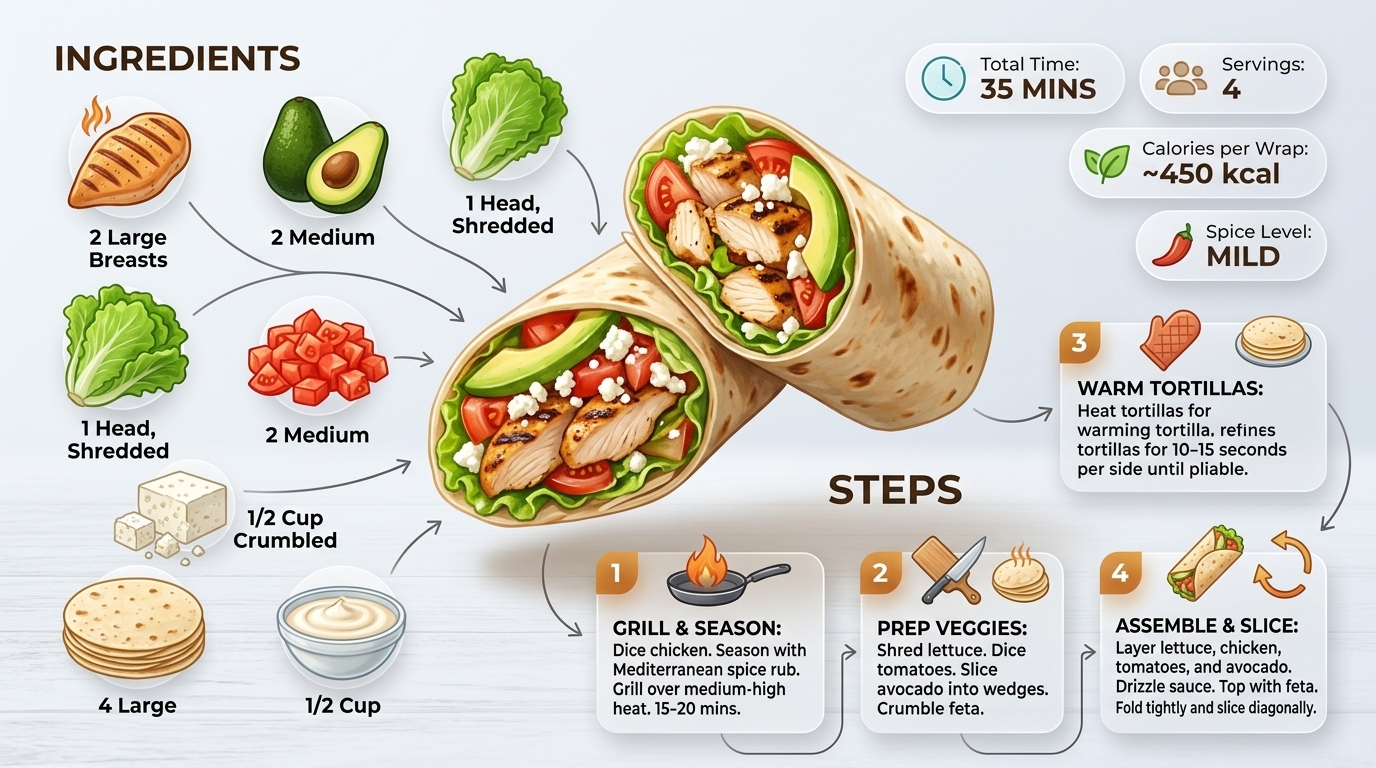 Text to image
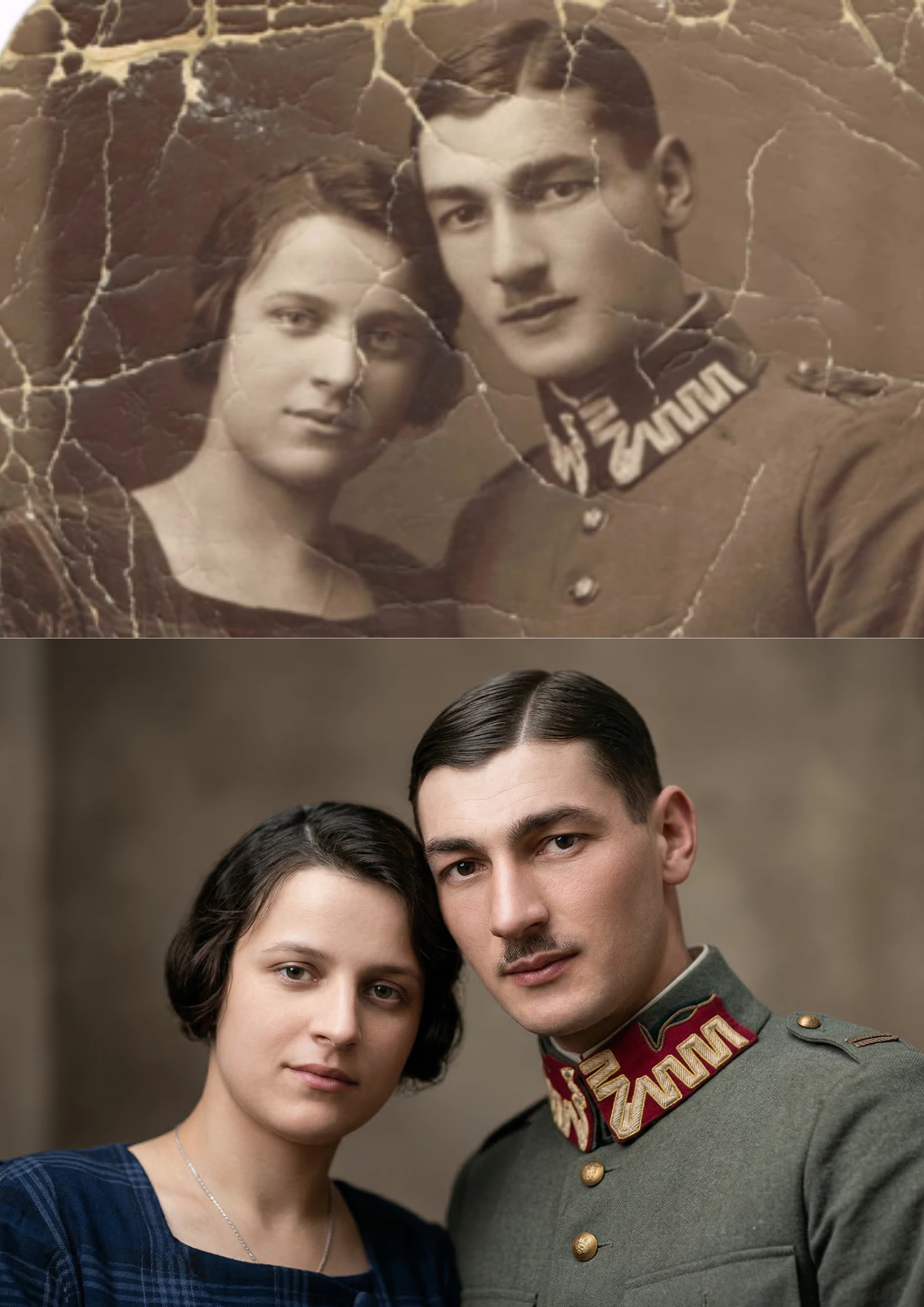 Image to image
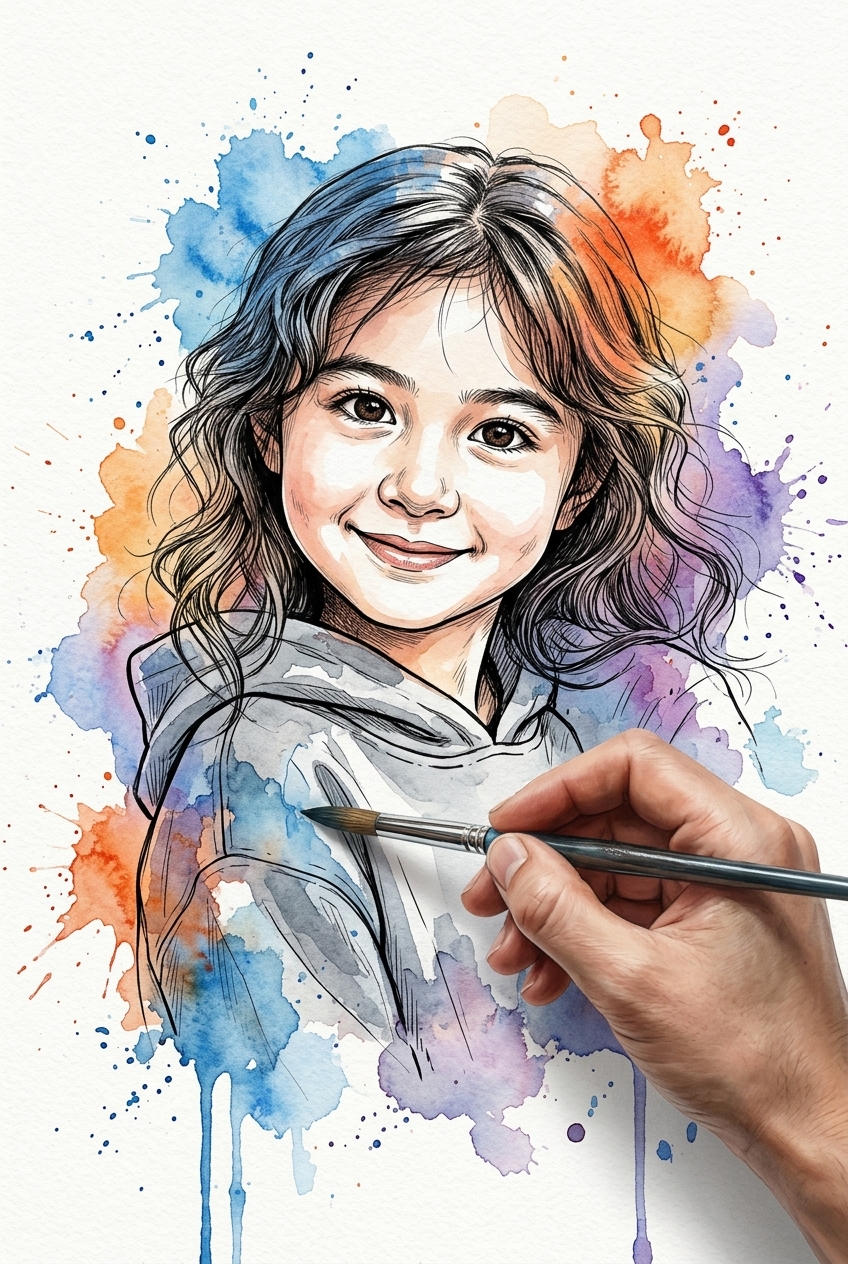 Image to image
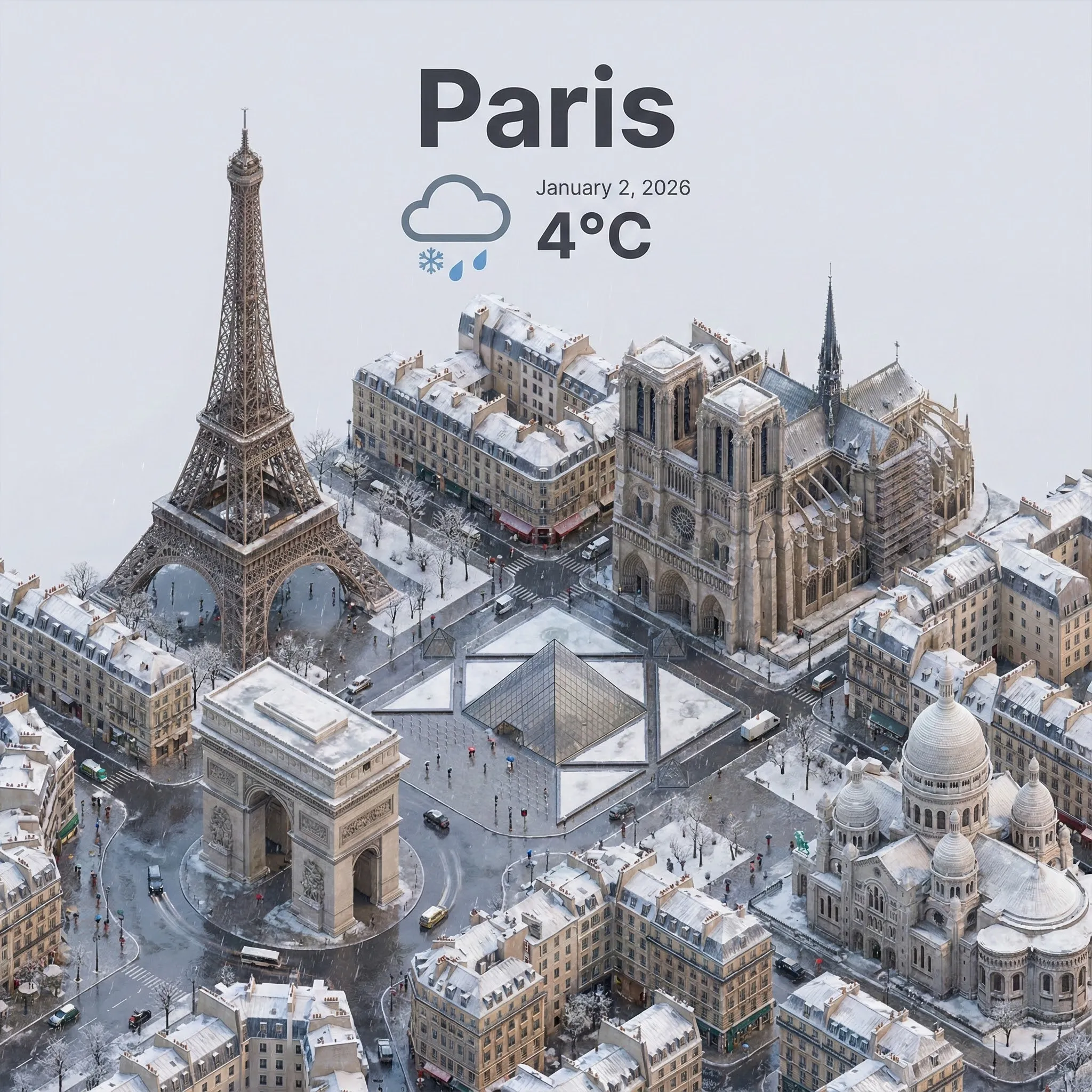 Text to image
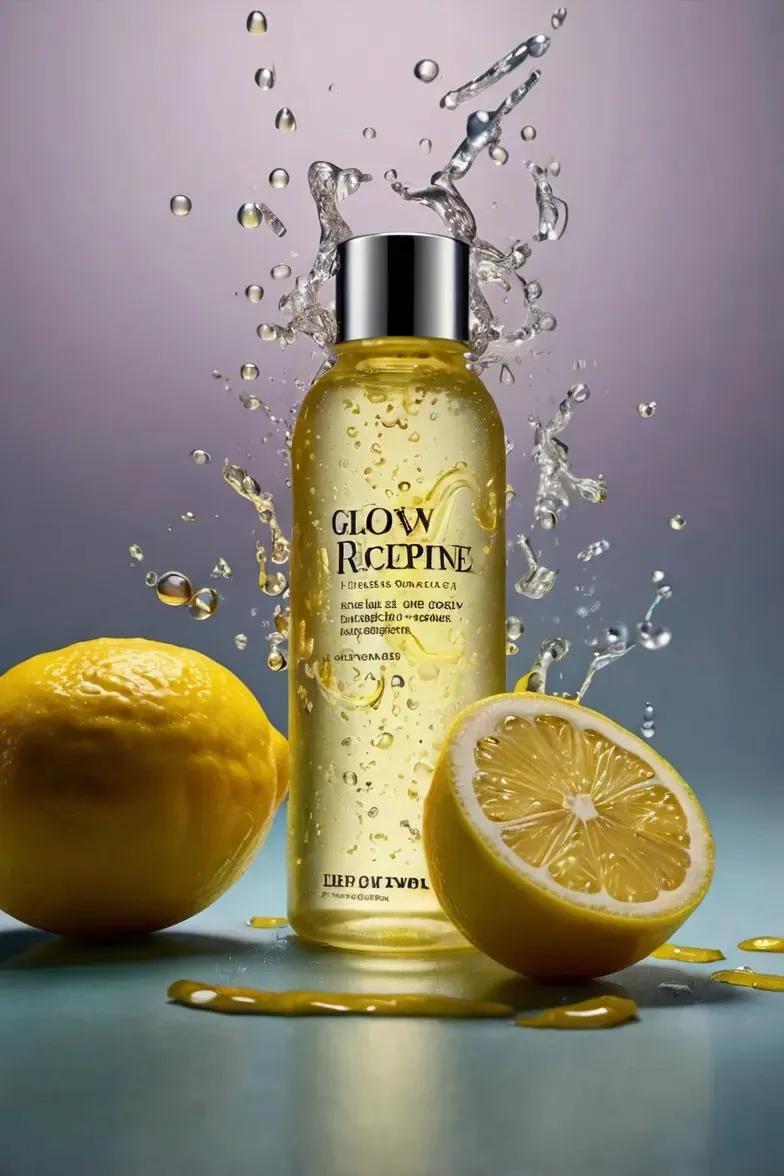 Text to image
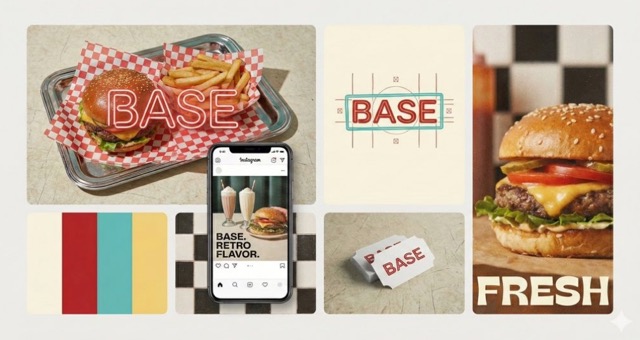 Text to image
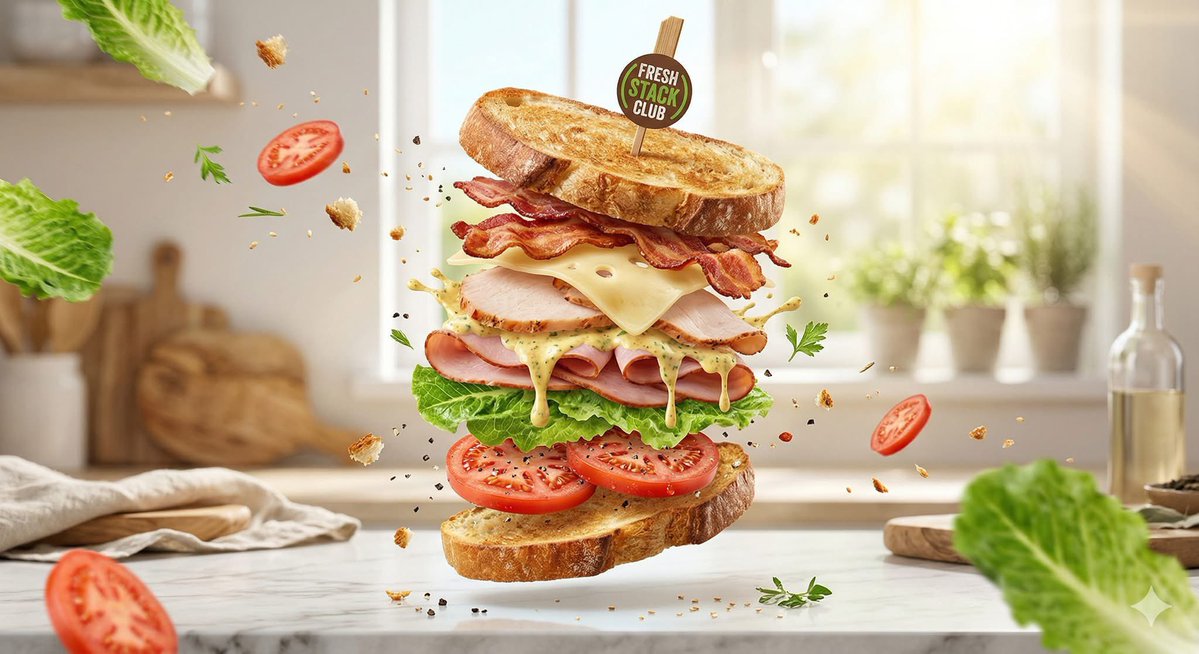 Text to image
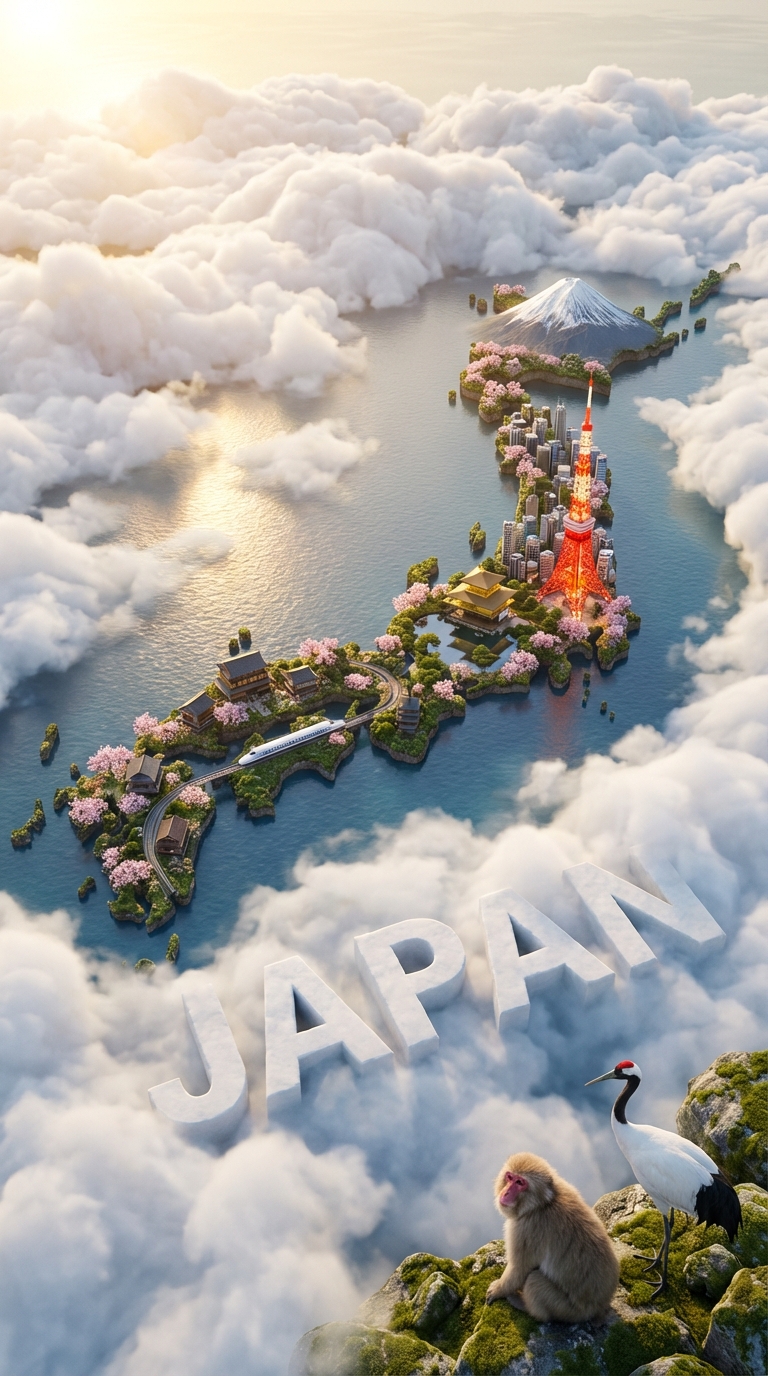 Text to image
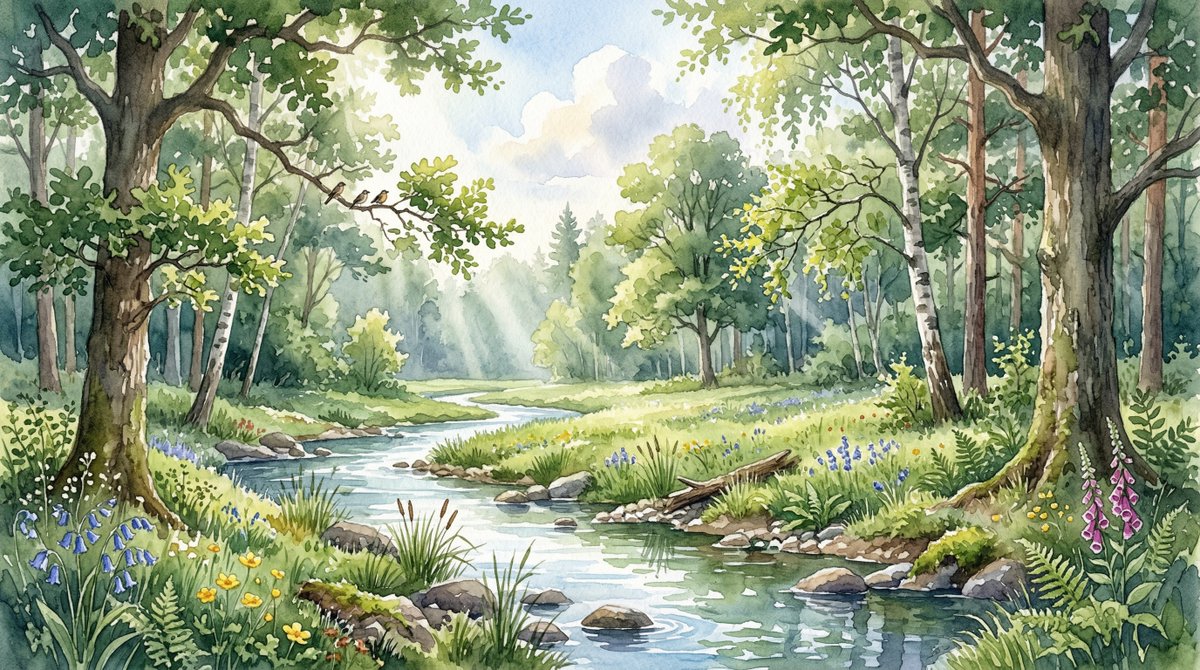 Text to image
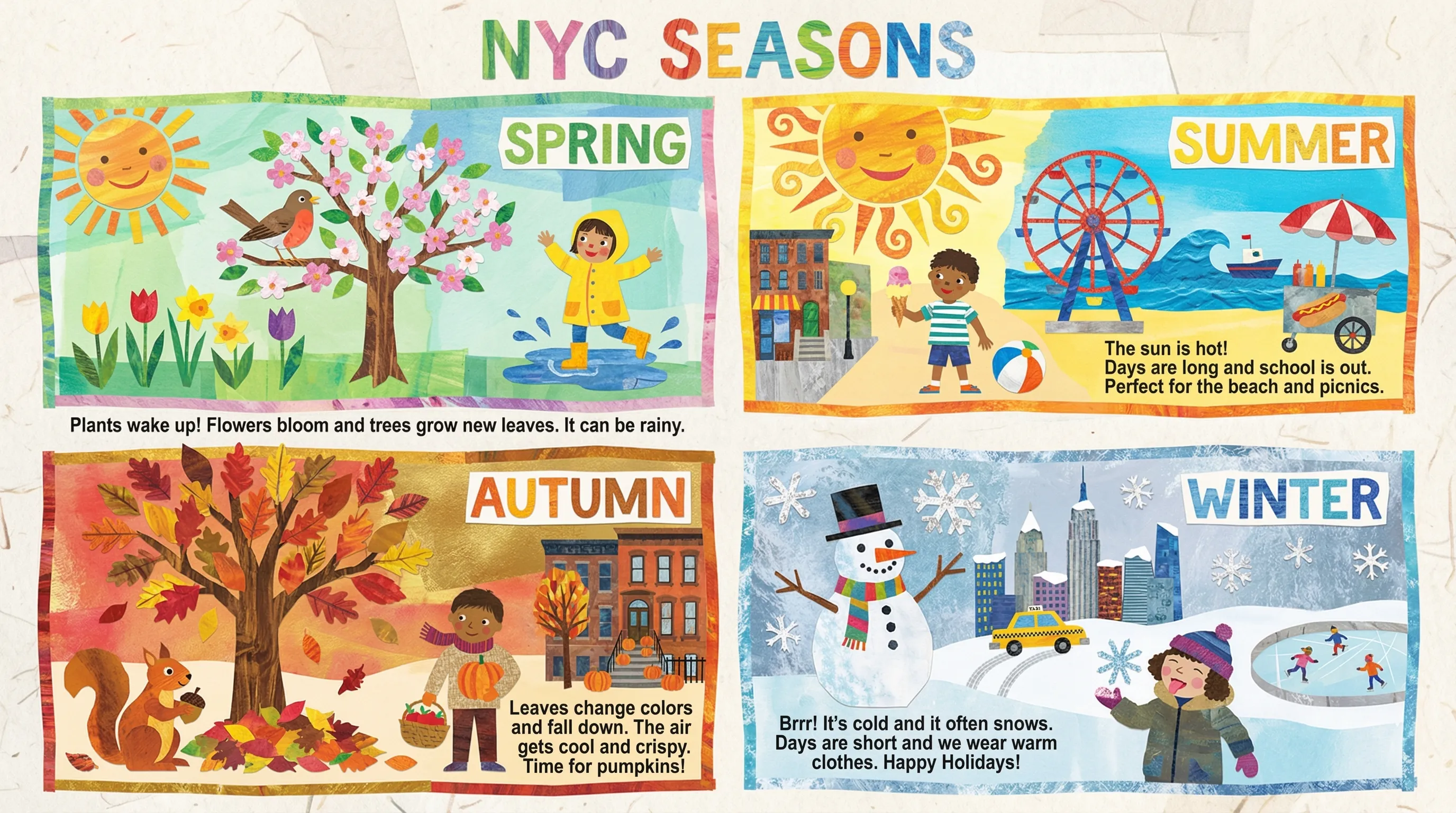 Text to image
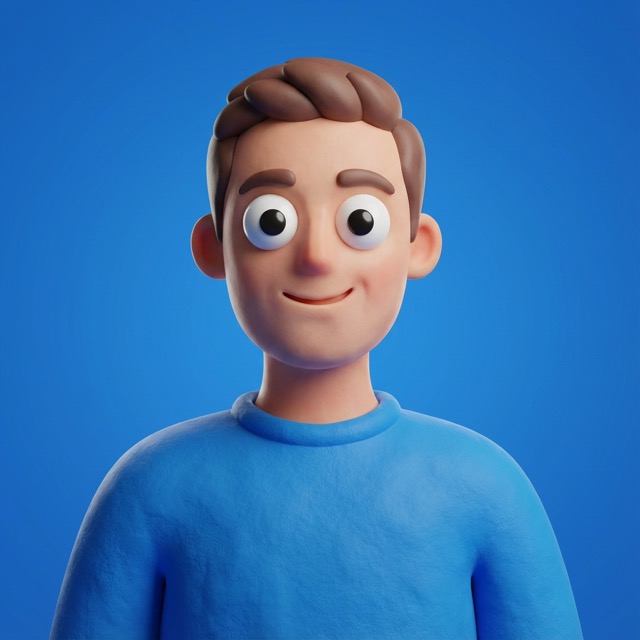 Image to image
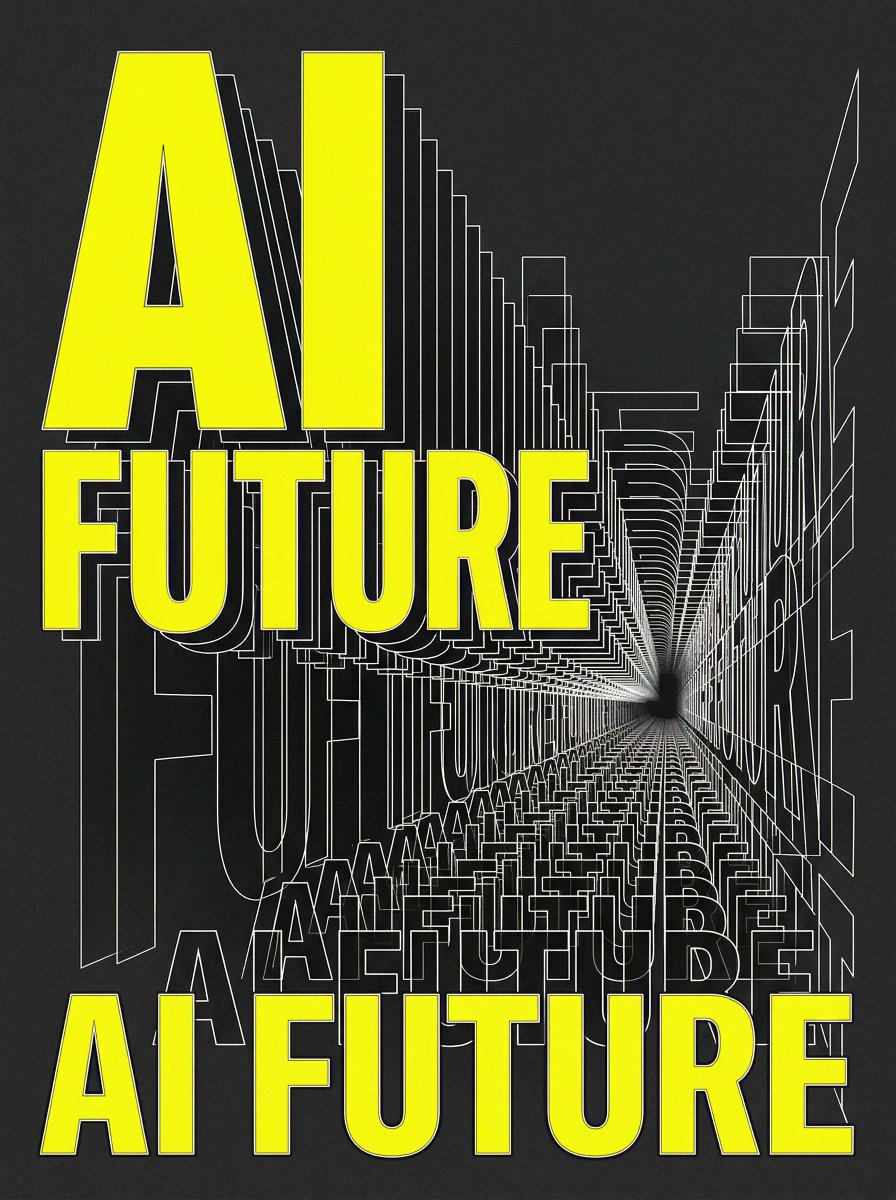 Text to image
GPT Image 2.5: Ways to shape your image
Flare Fast Inference
Describe the finished composition in your brief: the main subject, light source, setting and intended visual style.
Native Transparent Backgrounds
Use reference photos for edits and specify the details to keep. Review the result for changes outside your requested area.
Reference Photo Editing
Try simple product or portrait scenes before adding more visual instructions. This makes revisions easier to compare.
Before you generate
Check the selected model and its input requirements. These settings describe the workflow, not a guarantee that every output will match your reference.
Input
Lite starts from text. For reference editing, choose a model that accepts uploaded images.
Output size
Use the resolution options offered by the selected model. Lite has no resolution selector; Pro offers 1K, 2K and 4K.
Image details
Describe the subject, lighting and placement separately. Inspect faces, labels and spelling before keeping a result.
Credits
The generator shows a quote before submission. Model credit prices do not change with your membership plan.
Usage
Paid plans and purchased credit packs include commercial use under the terms. Confirm rights to your inputs and any third-party content.
Create, review and reuse
Each submission is a separate task. Use a completed output as a new reference when you want another edit.
Choose your input
Write a prompt for Lite, or select an editing model and upload the required reference images.
Write a focused brief
Specify what to create or change, what to preserve and the intended composition.
Review the quote and submit
Check the model, aspect ratio, available resolution and credit quote before starting the task. Processing time varies.
Inspect and refine
Review the completed image. To make another change, upload the result to a supported editing model and submit a new task.
Save the result
Open the result or My Creations and download the original file. Keep the prompt and settings for later variations.
Practical questions about image creation
Inputs, settings, credits and downloads explained before you start.
Ready to Create with GPT Image 2.5?
Experience fast Flare inference, precision Sunburst typography, and reference editing directly in the workspace.