


Nano Banana 2.1: what changed, and what to check before switching
A source-backed look at Google’s October 6 image-model release, with a practical checklist for typography, references, and wide compositions.
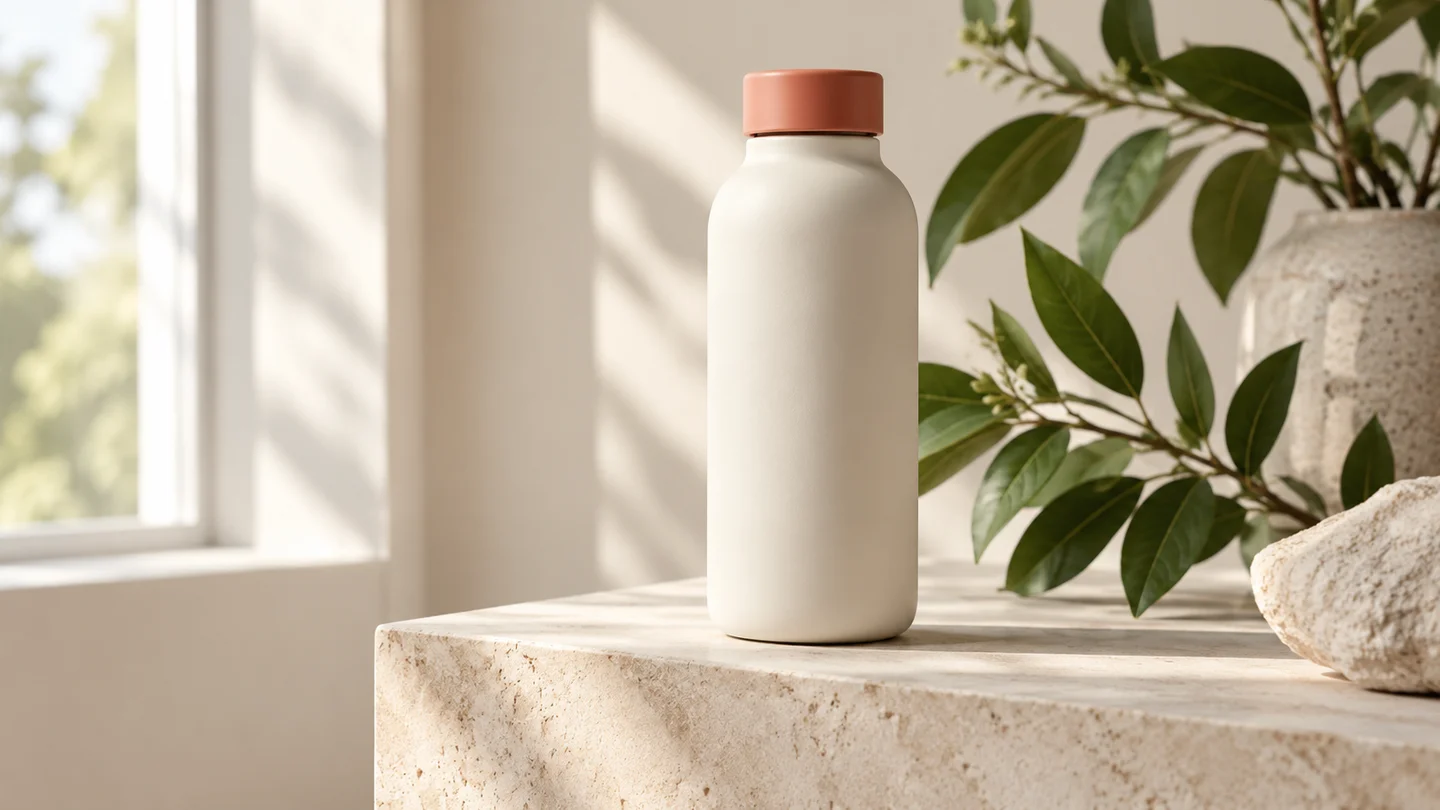
Illustration: generated with Codex for this tutorial. Not a Nano Banana 2.1 output or a product screenshot.
A model announcement is useful when it tells you which part of your work may become easier. For Nano Banana 2.1, start with the jobs that usually need another revision: a headline that will not stay legible, a character that changes between edits, or a wide composition that feels stretched.
Google announced general availability on October 6, 2026. The API identifier is gemini-nano-banana-2.1. Its release notes describe improvements to image quality, instruction following, character consistency, text, and panoramic formats. Those are the release claims; the illustrations here are editorial examples, not measurements of the model.
Three changes worth testing on your own work
Typography: use a short headline, a date, and one price. Check every character at the final display size. A believable poster can still contain an incorrect digit. Do not judge the lettering only from a zoomed-out thumbnail.
Repeated edits: save an approved reference before asking for a different background or pose. Compare the silhouette, clothing, and small defining details after each change. The model card still discusses limitations, including spatial relationships and persistent pose alignment. Better consistency does not make a continuity check redundant.
Wide artwork: decide whether you need a website banner, a panorama, or a source for several panels. The model documentation lists wide ratios and resolution choices. A large file and a useful composition are separate things: a subject pushed against an edge may be hard to crop even if it looks sharp.
A Chinese poster makes text errors easy to spot
This tea poster gives you six short strings to inspect. Keep the Chinese copy exactly as supplied, even when the surrounding brief is in English. A translation would be a different deliverable.
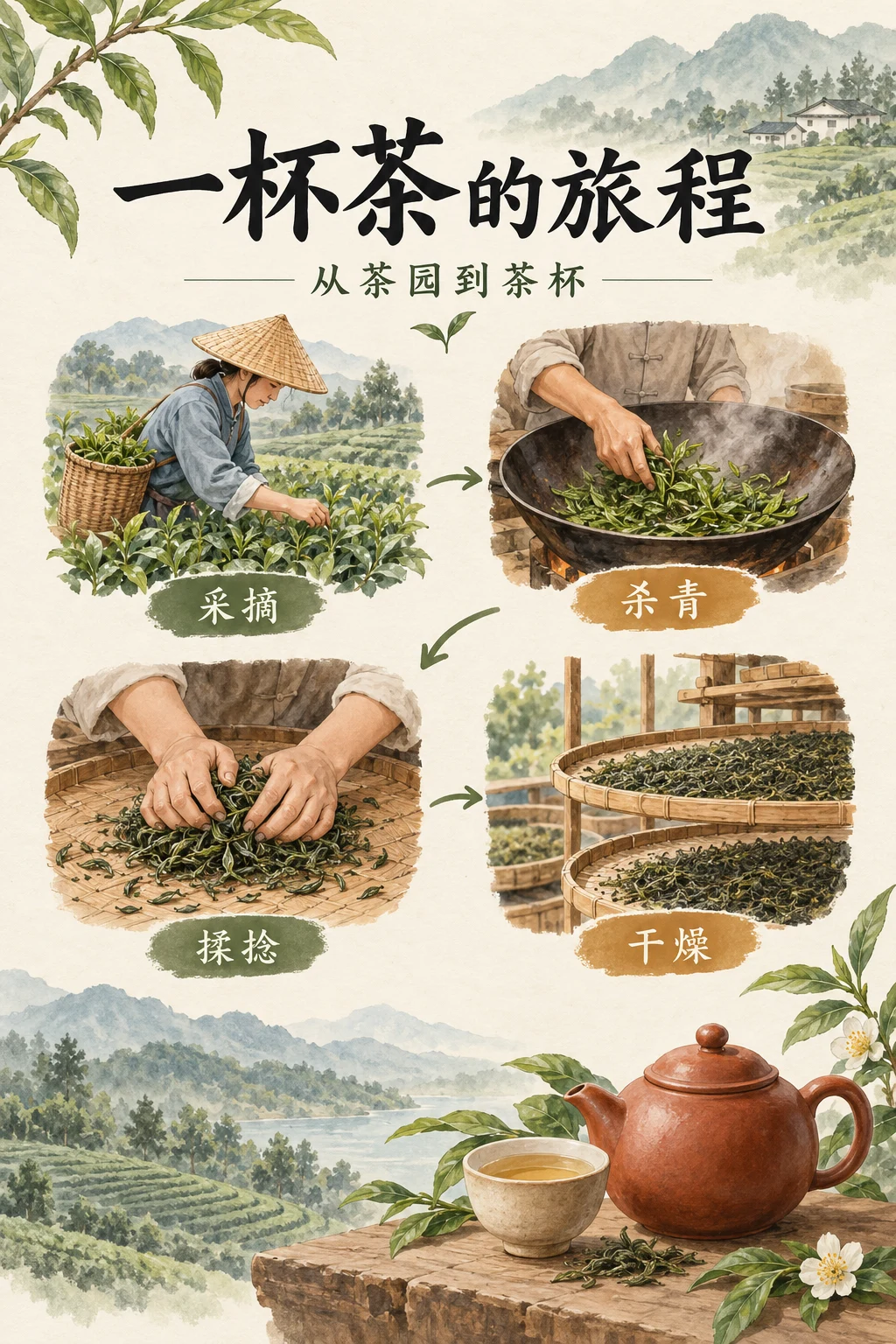
Codex-generated tutorial example; not a Nano Banana 2.1 model result or a product screenshot.
Prompt to adapt
Portrait tea-culture poster on ivory paper. Title: 一杯茶的旅程. Subtitle: 从茶园到茶杯. Four process labels, in order: 采摘、杀青、揉捻、干燥. Use illustrated tea leaves and a teapot. Keep the title dominant and the process labels readable. Add no other text.What to inspect
Read every character, then follow the four steps in order. Check the poster at phone size: does the heading remain clear, and can you tell which label belongs to which illustration?
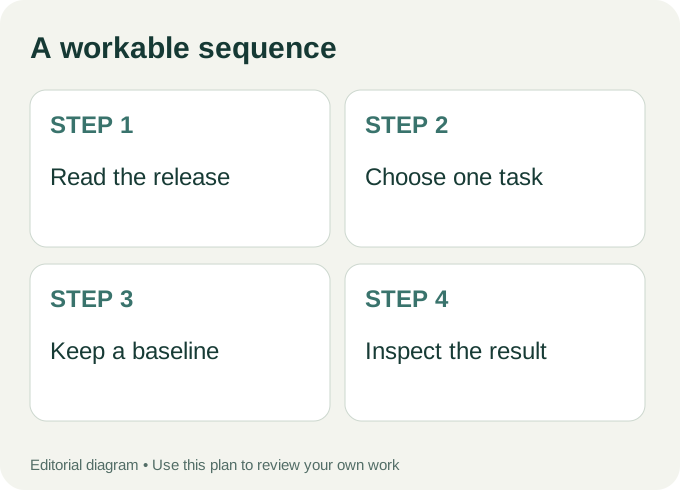
Workflow diagram: a proposed sequence, not a recorded product run.
A small migration exercise beats a folder of random samples
Choose one image you already know how to assess. A cream bottle photographed against a neutral background is a manageable example: its outline, cap color, shadows, and blank label area give you concrete details to compare. Write the brief once and keep a copy.
Run your existing workflow first. Record the model selected, the settings available in that interface, and the resulting file. Then repeat the same task with the new model wherever it is explicitly available. Change one requirement at a time. If you change the lighting, crop, subject, and wording together, you will not know why the second version looks different.
Use a simple acceptance rule: the subject is recognizable, the requested text is exact, the crop works, and the file can be used at the intended size. Add timing or cost comparisons only if you actually record them. A launch announcement cannot supply your own benchmark results.
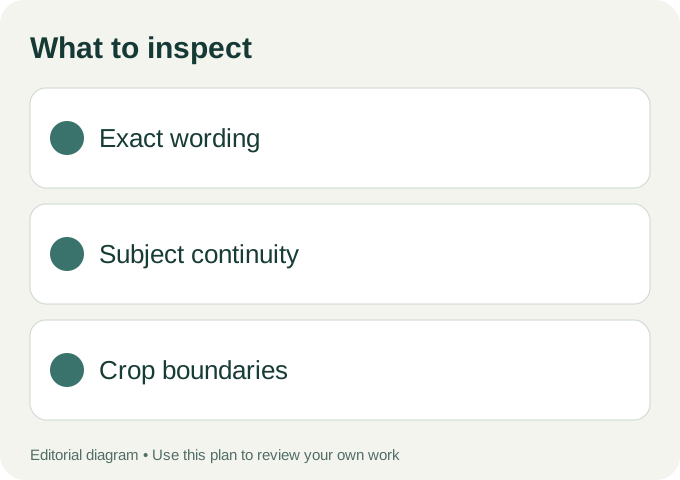
Use these checks on your own export.
What the name on a website tells you
Nano Banana 21 is an independent image workspace. A site name is not an API identifier. As of this article’s editorial check on October 7, its available selector includes Nano Banana 2 Lite and other models; this guide does not claim that every option routes to Google’s new 2.1 endpoint. Read the selected model label before starting.
Open the image workspace to inspect the current options, and read the available model labels before choosing a workflow. For a hands-on brief covering a poster, product shot, and character reference, continue with our image planning guide.
Keep the migration note with the asset
Store the approved prompt and original output next to the export. If someone later asks which model made the image, you should be able to answer from the saved record rather than the filename or the site branding. Keep the older usable version until the replacement passes the same checks. Google’s release notes mark the older gemini-3.1-flash-image as deprecated without an announced shutdown date; avoid treating an unverified date from a repost as a deadline.
Author