


From brief to image: plan a poster, product shot, and character reference
Three concrete image briefs, with prompts and review steps that keep wording, product details, and character identity under control.
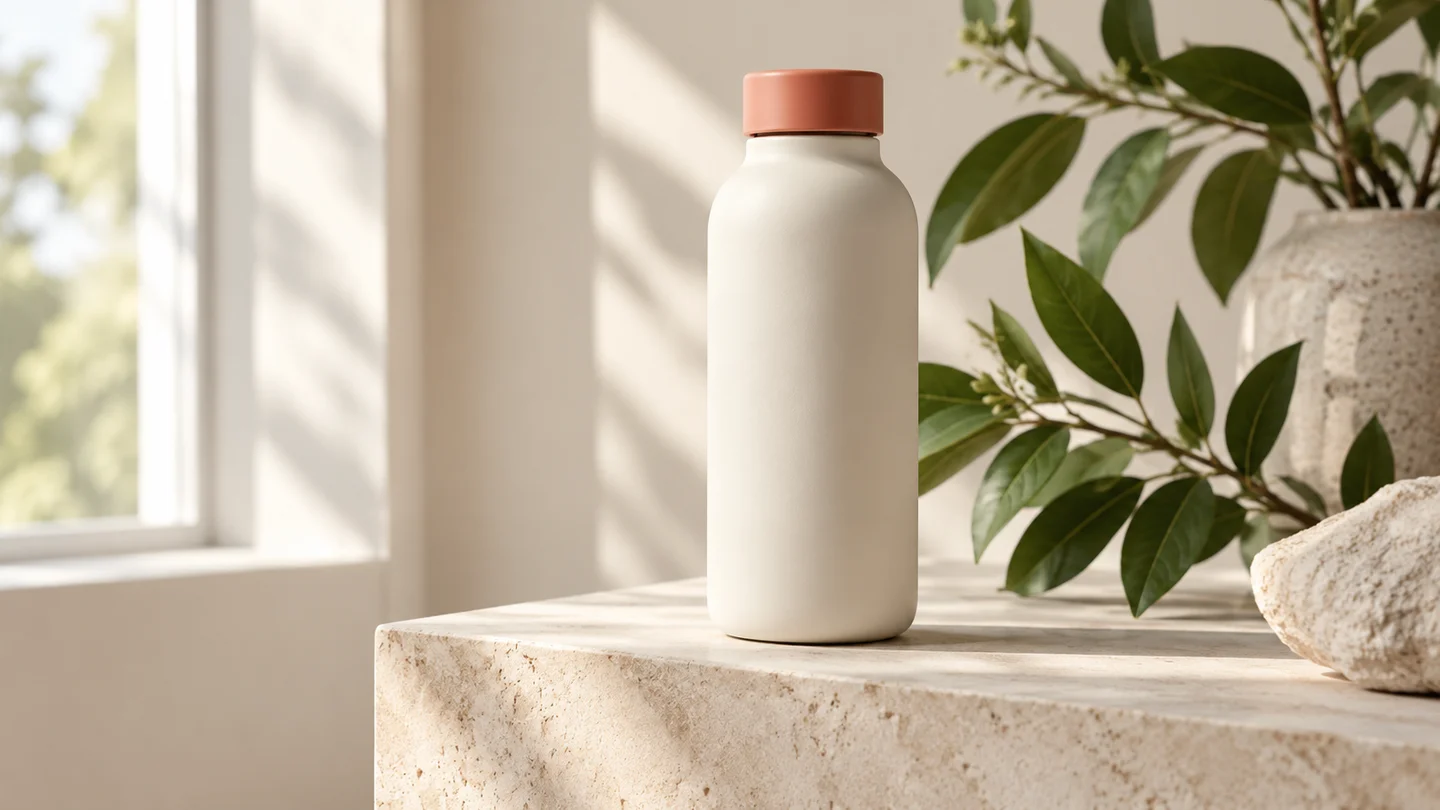
Illustration: generated with Codex for this tutorial. Not a Nano Banana 2.1 output or a product screenshot.
“Make it look professional” leaves almost every useful decision unresolved. A better starting point is the finished job: a workshop poster someone can read on a phone, a product image with room for copy, or a character reference that another artist can follow.
The three briefs below use the same approach but different acceptance rules. The product photograph shown here was generated with Codex as a tutorial illustration. It is not an output comparison between Google models.
A poster needs approved copy before decoration
Imagine a fictional ceramics workshop. The brief needs the title, date, price, booking action, and output shape. Put the approved text in quotation marks, and say which line should be most prominent. Keep a spare version without lettering in case you want to typeset the final copy separately.
Create a portrait ceramics workshop poster on a cream background.
Use terracotta shapes and a small clay-making photograph.
Exact copy: “CLAY WEEKEND”, “OCT 18”, “$45”, “BOOK A SEAT”.
Make the title largest, then the date and price. Leave generous margins.
Do not invent a venue, URL, extra offer, or additional lettering.
Dates and prices are fictional in this example. For a real event, compare the exported file with the approved event details, not with an earlier draft that might already contain a mistake.
Build the poster around approved words
This tea poster gives you six short strings to inspect. Keep the Chinese copy exactly as supplied, even when the surrounding brief is in English. A translation would be a different deliverable.
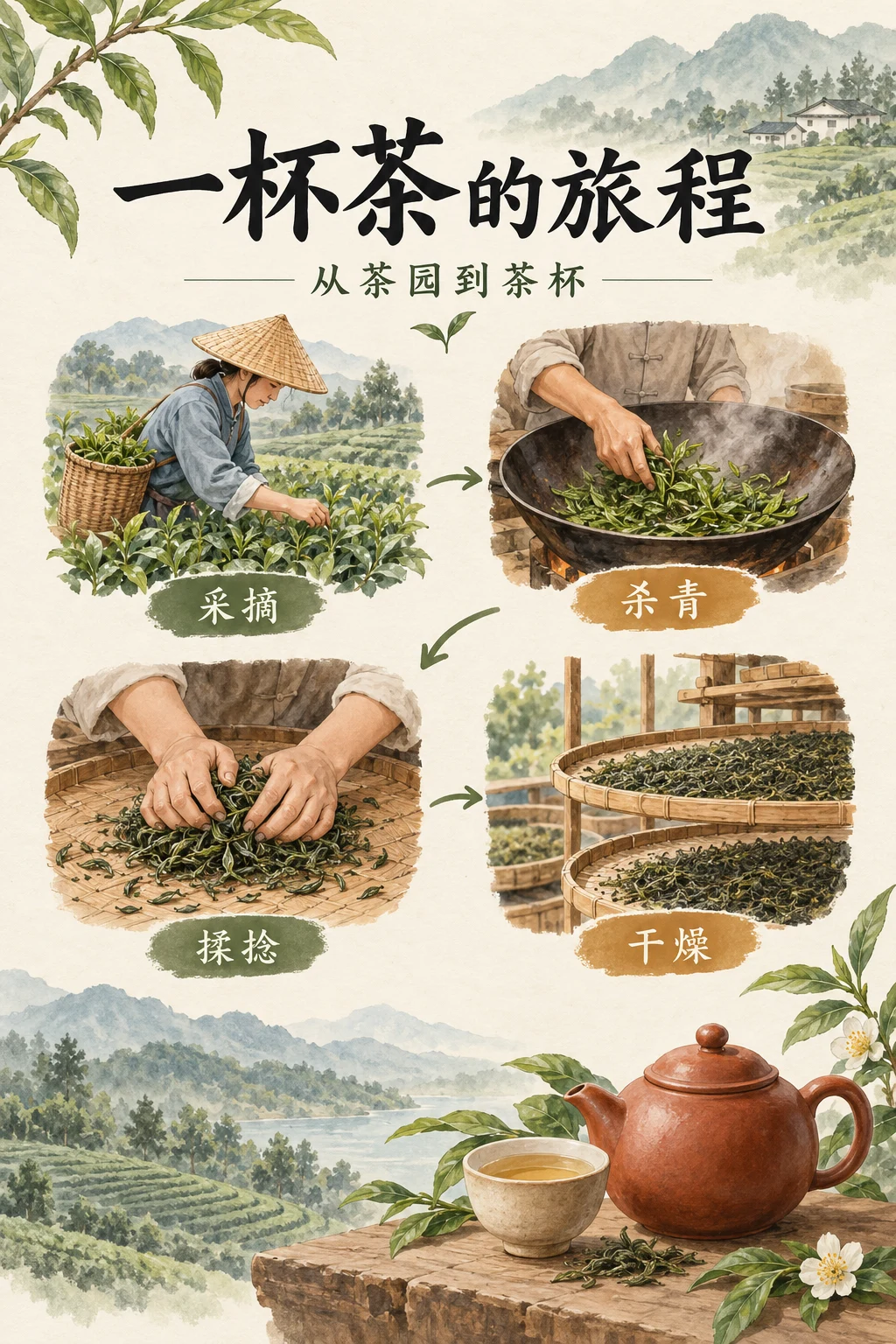
Codex-generated tutorial example; not a Nano Banana 2.1 model result or a product screenshot.
Prompt to adapt
Portrait tea-culture poster on ivory paper. Title: 一杯茶的旅程. Subtitle: 从茶园到茶杯. Four process labels, in order: 采摘、杀青、揉捻、干燥. Use illustrated tea leaves and a teapot. Keep the title dominant and the process labels readable. Add no other text.What to inspect
Read every character, then follow the four steps in order. Check the poster at phone size: does the heading remain clear, and can you tell which label belongs to which illustration?
For a second version, change only the background color. Keep all six strings, their order, and the illustration roles fixed. Compare the two versions before asking for a new layout.
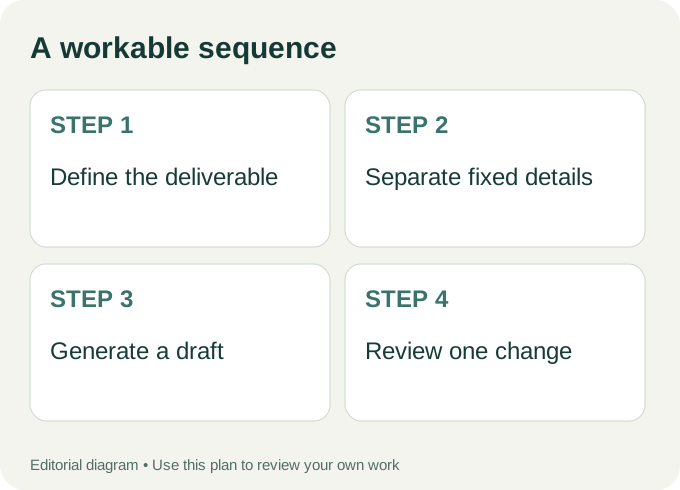
Workflow diagram: a proposed sequence, not a recorded product run.
A product shot needs constraints on the product itself
For a reusable bottle, specify the cream body, coral cap, matte surface, and unbranded appearance. The background can change more freely than those details. If you own a real product, use an authorized reference image and ask to preserve the silhouette. Do not let an attractive scene quietly redesign the item you sell.
Photograph the referenced reusable bottle on a pale stone plinth.
Preserve its cream body, coral cap, proportions, and matte finish.
Use soft morning window light and natural contact shadows.
Keep the label area blank. Leave space around the bottle for a crop.
No extra accessories attached to the product.
Inspect the cap seam, base, and contact shadow. These small features often matter more than the background. Check the crop intended for the store page as well as the uncropped original.
A character reference needs a short list of identity anchors
Choose a few details you can recognize across frames: hair shape, jacket color, a particular bag, and footwear. Write them as fixed requirements. Describe the new action in a separate sentence. This keeps the request readable and gives you a way to assess the result.
For example: “Keep the short dark curls, mustard raincoat, canvas shoulder bag, and white shoes. Change only the setting to a rainy café entrance.” Use references you have permission to use. If the face or outfit changes, correct that before building a series of scenes around it.
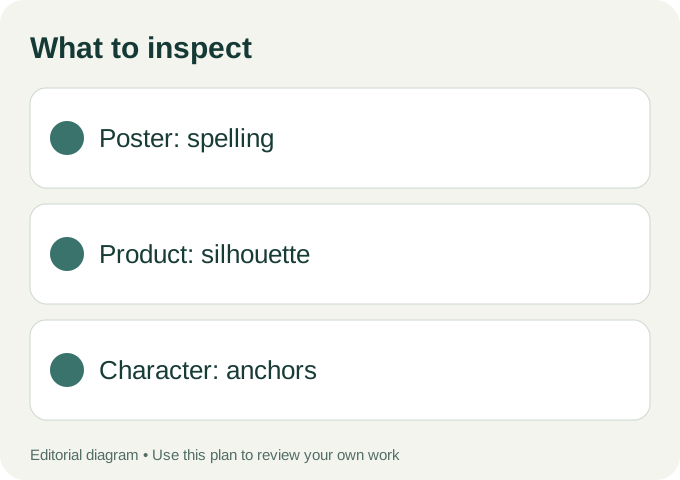
Use these checks on your own export.
Review before requesting a bigger file
An upscaled mistake is still a mistake. Confirm the text, product identity, and character anchors at the draft stage. Then select an output size supported by the tool you are using. Keep the original export rather than taking a screenshot of the preview.
Google’s Nano Banana 2.1 documentation is the source for that model’s capabilities; our release guide explains the announcement and its limits. In the Nano Banana 21 workspace, inspect the actual model selector before generating. Availability in an independent interface can differ from availability in Google’s API.
Save the prompt, reference permissions, chosen model, and final file together. A later revision should start from the approved version and a specific request: replace the date, shift the light, or change the setting. That is easier to review than asking for an entirely “better” image.
Author